
Album Cover Illustration
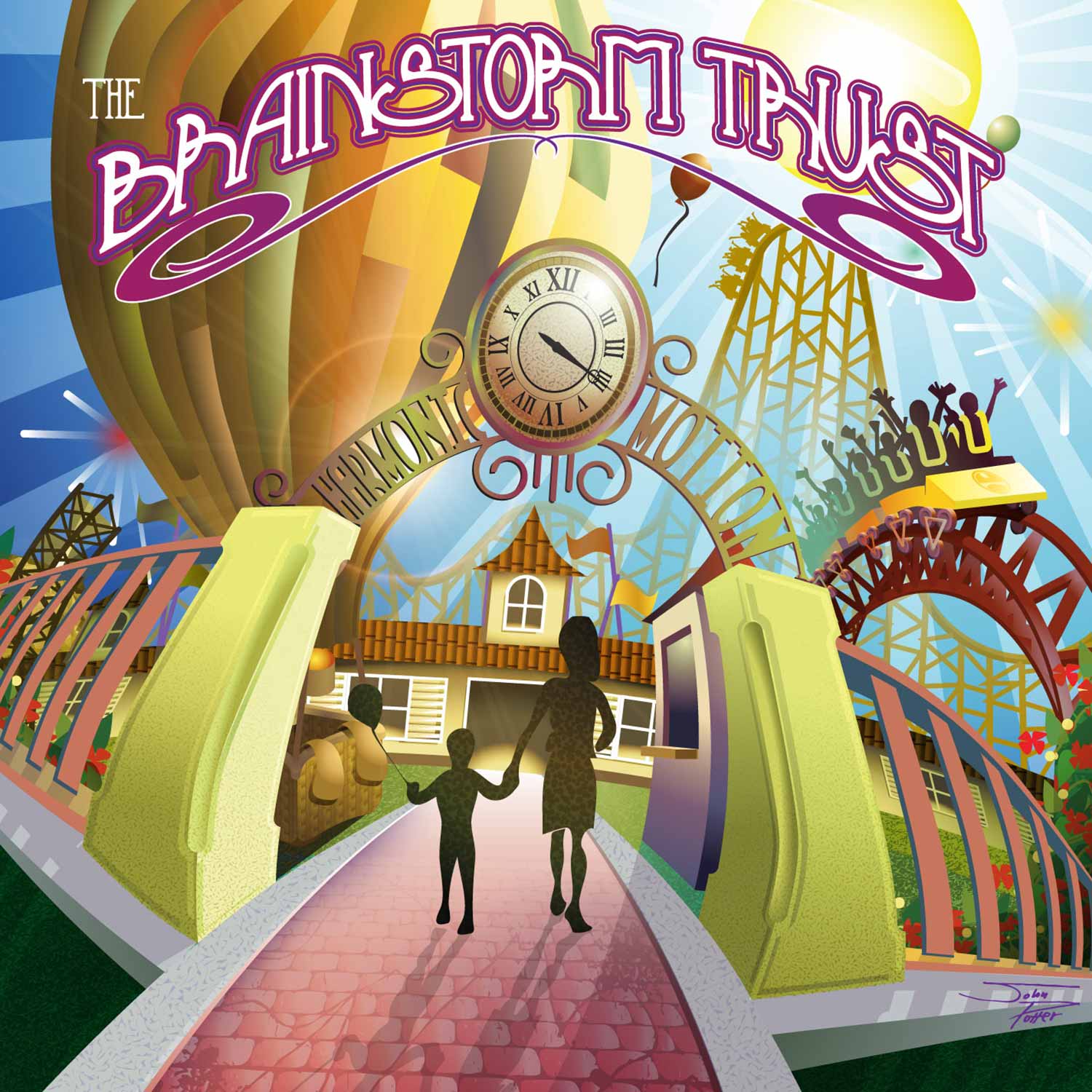
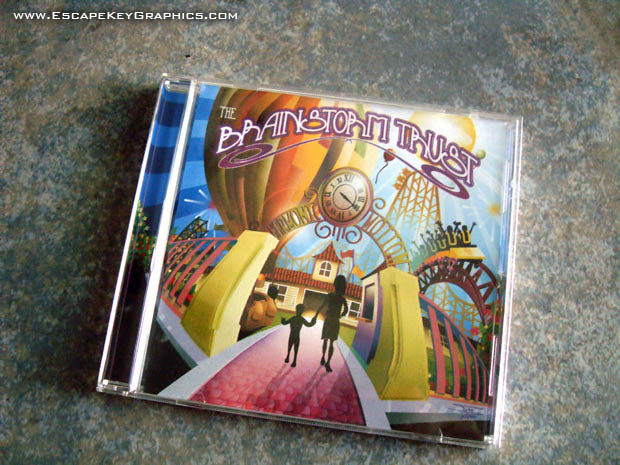
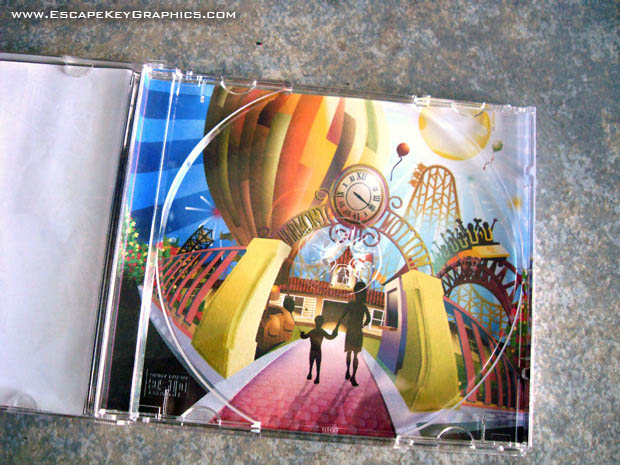
VECTOR ILLUSTRATIONS:
(Created using Adobe Illustrator)


WHAT IS ADOBE ILLUSTRATOR?:
Adobe Illustrator is a vector based illustration program made by Adobe Systems. Vector graphics are based on shapes. The shapes are defined by points along their edges that control the direction, bend, and other values. Adobe illustrator is the industry standard for vector rendering.
I have used other packages for vector illustration over the years including Freehand and CorelDRAW. In the end Illustrator became my primary choice for vector illustration and graphic design. I still export vector art from programs like Sketchup and Maperitive, but those files still get imported into Illustrator at some point. I have been using Illustrator since about 1990.
I frequently use Adobe Illustrator to create Art Deco and Italian Futurist style illustrations. The vector format lends itself well to these styles that are known for their fields of color and geometric nature. I also frequently use Illustrator to create axonometric illustrations. The geometric nature of the program makes it ideal for this technical kind of rendering.
Vector based art created with Adobe Illustrator can be animated using Adobe After Effects to create motion graphics. To learn more see my After Effects and Premiere Pro Portfolio.
WHAT DOES VECTOR ILLUSTRATION MEAN?:
The vector graphic illustrations I make are known for their bold colors (frequently in a tropical palette), shapes reminiscent of art deco or the Italian Futurist movement and often weird, warped perspectives.
From a viewer's perspective vector graphics consist of bold shapes distinctly filled with colors or fades. Vector illustrations aren't photo-realistic and may be very stylized or cartoonish. Logo design is a good example of vector graphic use.
From a technical perspective vector graphics and images are created with a specific method on a computer. Vector graphics are based on shapes. The shapes are defined by points along their edges that control the direction, bend, and other values. These points are called Bézier points. Although the information that describes a Bézier point is much greater than that to describe a pixel, only a few Bézier points can define a large shape as opposed to defining every pixel one at a time. This means a smaller file size can be achieved provided not too many points are necessary to draw the image. An additional benefit is that a vector image can be enlarged to any degree without any loss of resolution. Vector graphics are great for some things, but they have a fairly distinctive look and feel.
To learn more about vector graphics see my post... "What are Bitmap and Vector Graphics"
Vector based art created with Adobe Illustrator can be animated using Adobe After Effects to create motion graphics. To learn more see my After Effects and Premiere Pro Portfolio.
PORTFOLIOS:
- Illustration Portfolio
- Illustrated Maps Portfolio
- Fine Art
- Graphic Design Portfolio
- Motion Design
- Animated Illustrations
- Murals
- Architectural Rendering Portfolio
- Posters Portfolio
By Software Used:
By Application or Use:
- Boat Show Map Portfolio
- Resort Map Illustrations Portfolio
- Marina Maps Portfolio
- Transit, Parking and Transportation Maps Portfolio
- Town and City Maps Portfolio
- Cover Illustration Portfolio
- Vehicle Wrap & Vinyl Wrap Portfolio
- Illustrated Park Maps Portfolio
- Wayfinding Maps Portfolio
- Proposal Renderings Portfolio
- Street Art
- Real Estate Maps Portfolio