
County Park Trail Maps - Hiking Trail maps
County Park Hiking Trail Maps
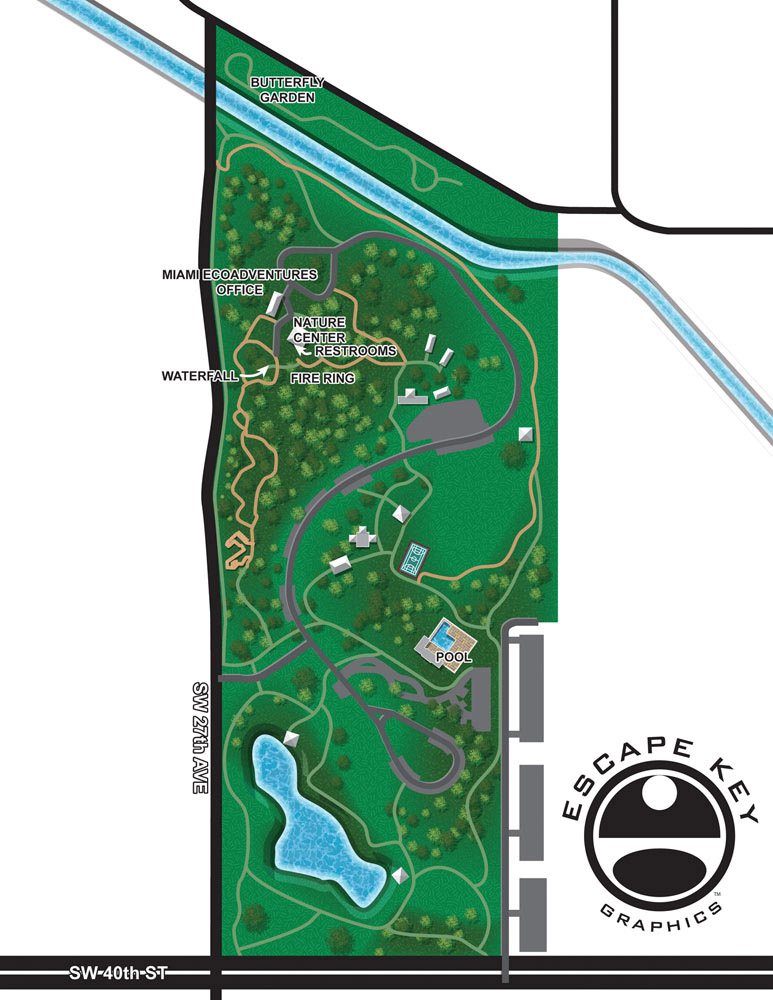
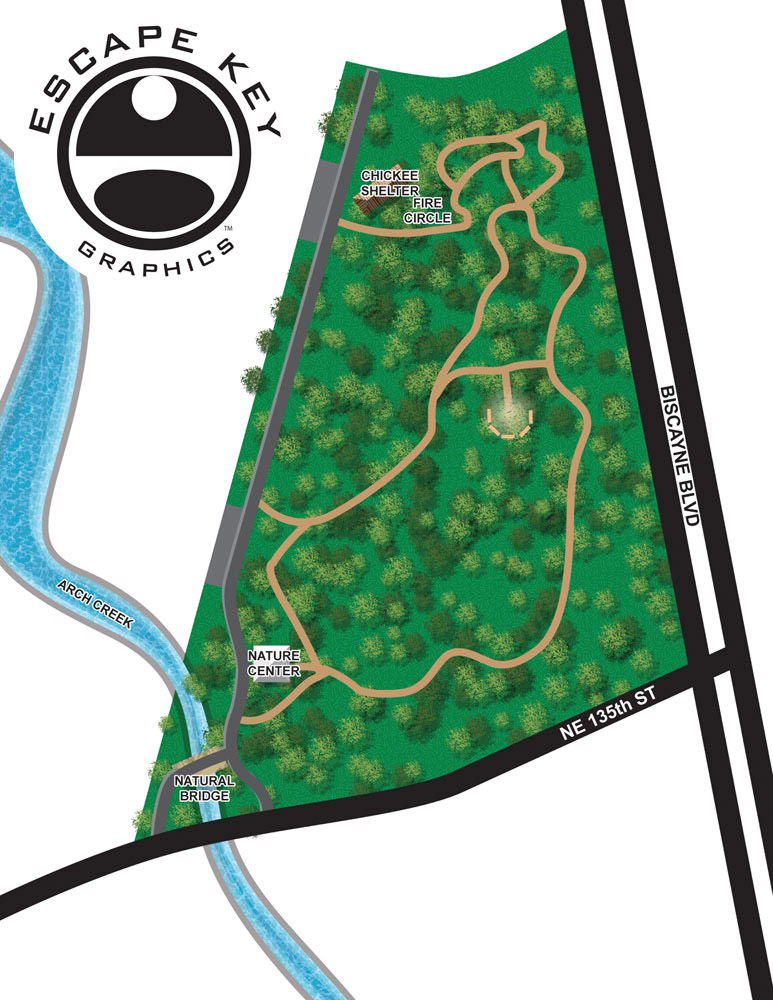
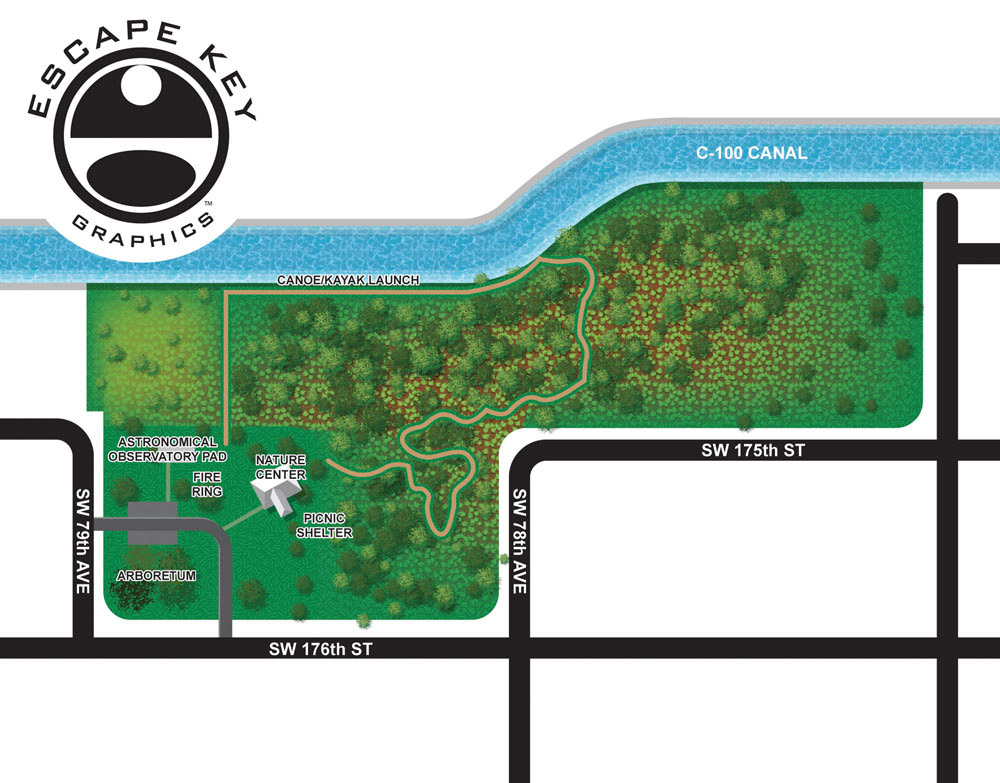
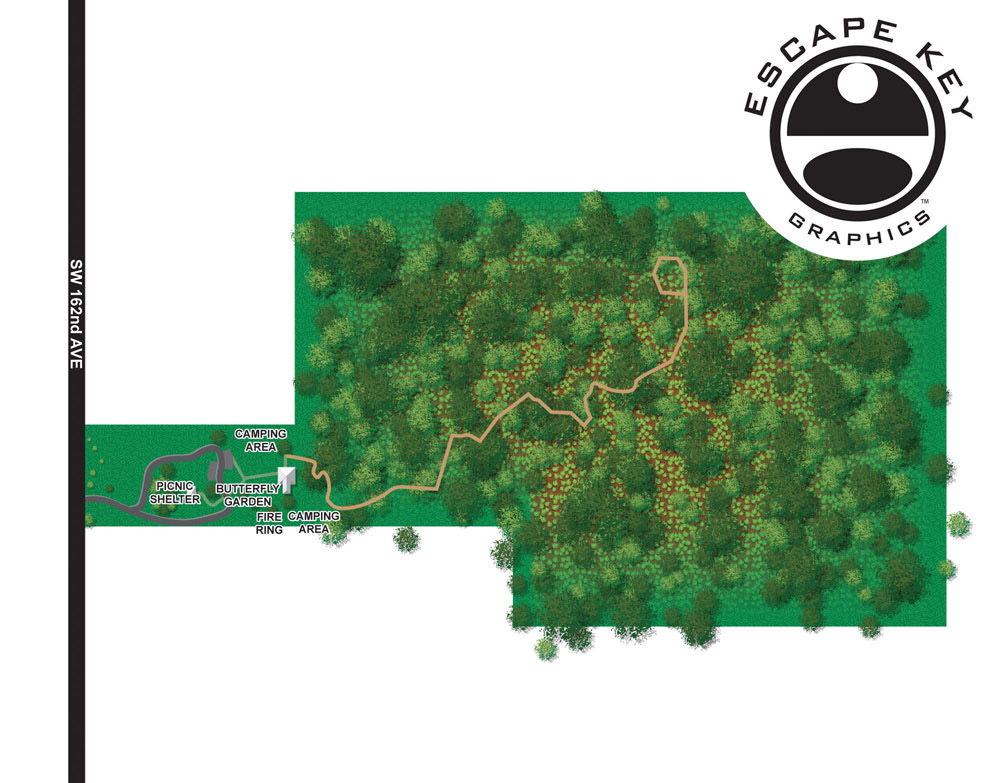
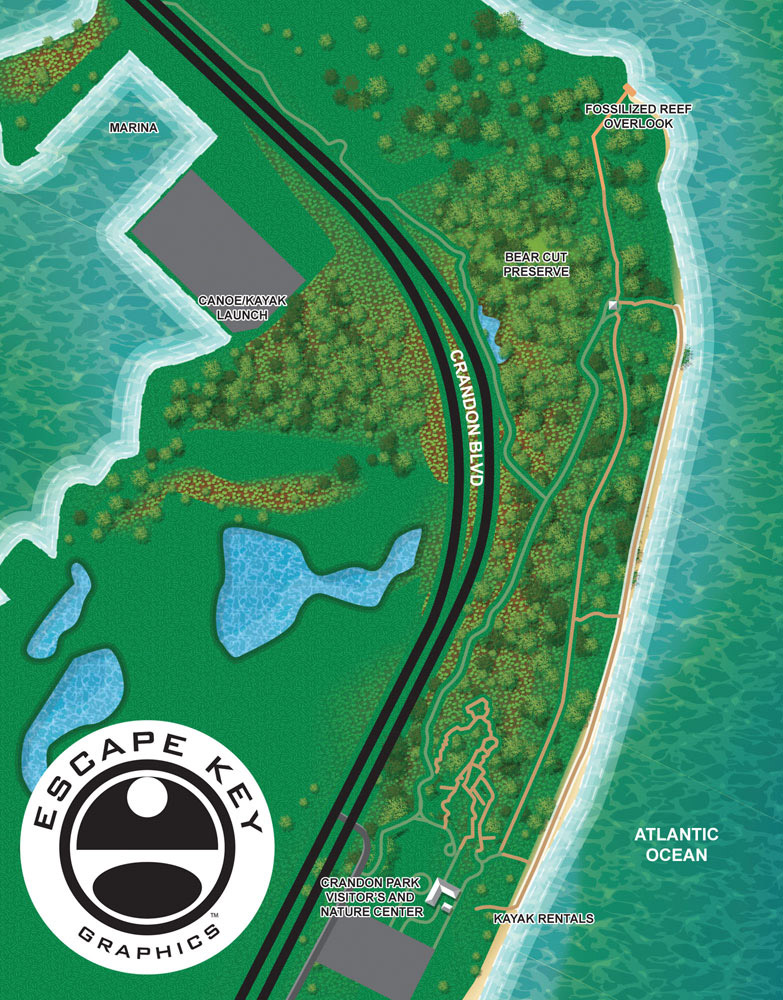
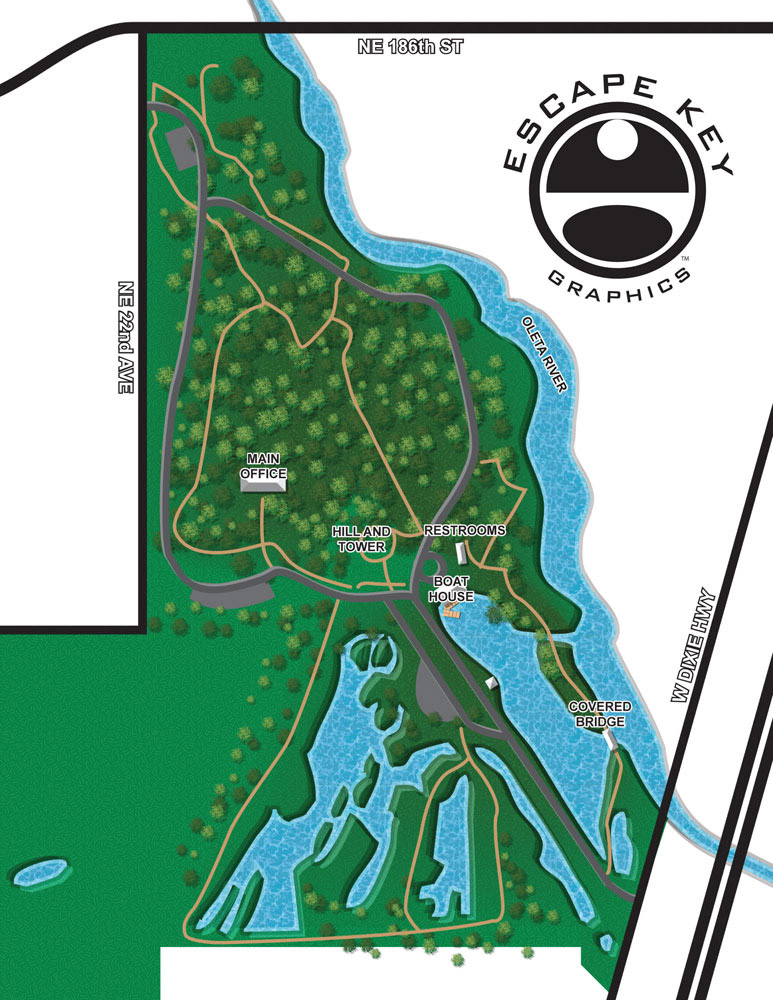
These illustrated hiking trail maps were created for the Miami Dade County Parks and Recreation Department and feature trail systems across six county parks. The goal of the project was to provide clear, easy to understand overhead maps that help visitors navigate park trails while enjoying a visually appealing design. These maps were developed to support multiple uses, including integration into a mobile phone app and other digital and printed materials.
The county requested a clean overhead style that balances simplicity with illustration. Rather than overwhelming users with excessive detail, the maps focus on trail layout, access points, and key features that hikers need to orient themselves quickly. This approach makes the maps especially effective for use on mobile devices, where clarity and readability are essential.
Creating trail maps like these requires careful attention to accuracy, scale, and user experience. Each park presented its own layout and challenges, but the consistent visual language helps users move easily from one park map to another. The overhead perspective makes the trail networks familiar and intuitive, similar to how people naturally read traditional maps.
Illustrated hiking trail maps are a valuable resource for parks, nature preserves, and outdoor recreation areas. They improve wayfinding, enhance visitor safety, and encourage exploration while reinforcing the identity of the park system. This project highlights how custom map illustration can support public agencies, outdoor spaces, and digital platforms with clear and engaging visual communication.


ILLUSTRATED PARK MAPS:
Illustrated park maps play an important role in helping visitors feel comfortable, informed, and confident as they explore a space. If you manage a botanical garden, work for a Parks and Recreation department, or oversee a public attraction, clear wayfinding is a key part of creating a positive guest experience. A well designed map reduces confusion, supports accessibility, and allows visitors to focus on enjoying the park rather than trying to figure out where they are.
The term park covers a wide range of destinations, from neighborhood ball fields and community parks to large nature preserves, wildlife sanctuaries, botanical gardens, theme parks, and agritourism venues. Over the years I have illustrated maps for many types of parks, each with its own layout, audience, and goals. In every case, the objective is the same: to present geographic information in a way that is easy to understand, visually engaging, and appropriate for the setting.
Each illustrated park map is tailored to the specific site and its visitors. Some projects call for a more realistic representation of the landscape, while others benefit from a lighter, more playful illustration style. Factors such as size, visitor flow, signage needs, and branding all influence the final approach. When you contact me about a park map, we will discuss your goals and challenges in detail and determine the style and level of detail that best supports your venue and your guests.
PORTFOLIO SELECTIONS
- Custom illustration & covers: Featuring bespoke illustration, book and magazine covers, hand-drawn maps, and building renderings.
- Fine art & murals: Including one-of-a-kind paintings and drawings, the Custom Halftone Series, and large-scale murals.
- Design & motion media: Covering graphic design, plus video and motion and animated illustration.
- Mapping by application: Tailored maps for marine events, hospitality, waterfront, property, transit, municipal, recreation, and navigation needs.
- Additional creative work: Includes editorial covers, vehicle graphics, concept renderings, and public art.
- Mediums & formats: Ranging from digital vector and isometric projection to traditional paint, line art, GIS-based, aerial-style, and halftone.
- Software expertise: Proficient in Photoshop, Illustrator, SketchUp, InDesign, and Premiere/After Effects for motion. More recently I have worked with AI.

Very easy to read-nicely done.