
Adobe InDesign Portfolio
Graphic Designer: John Potter - Escape Key Graphics
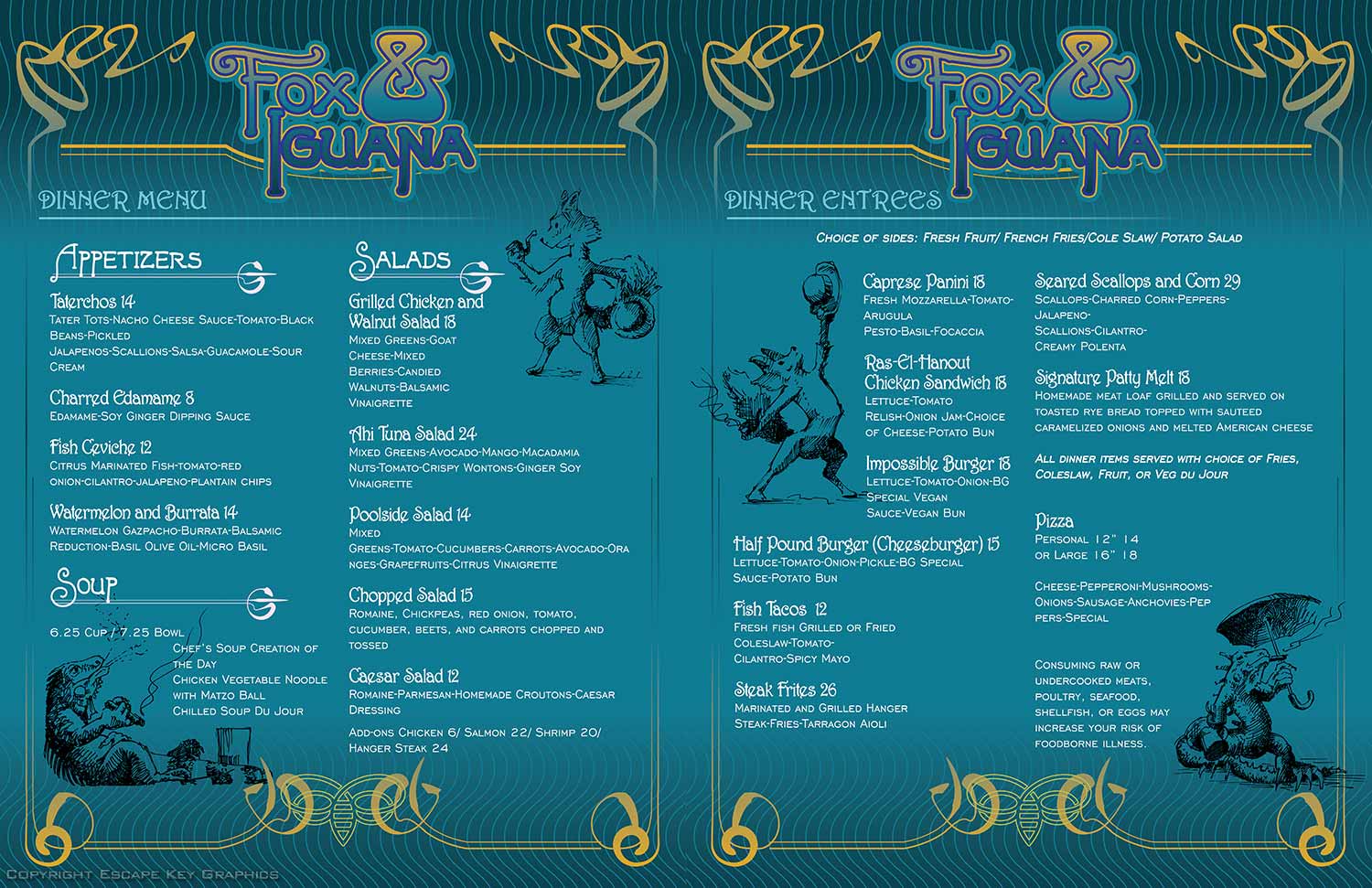
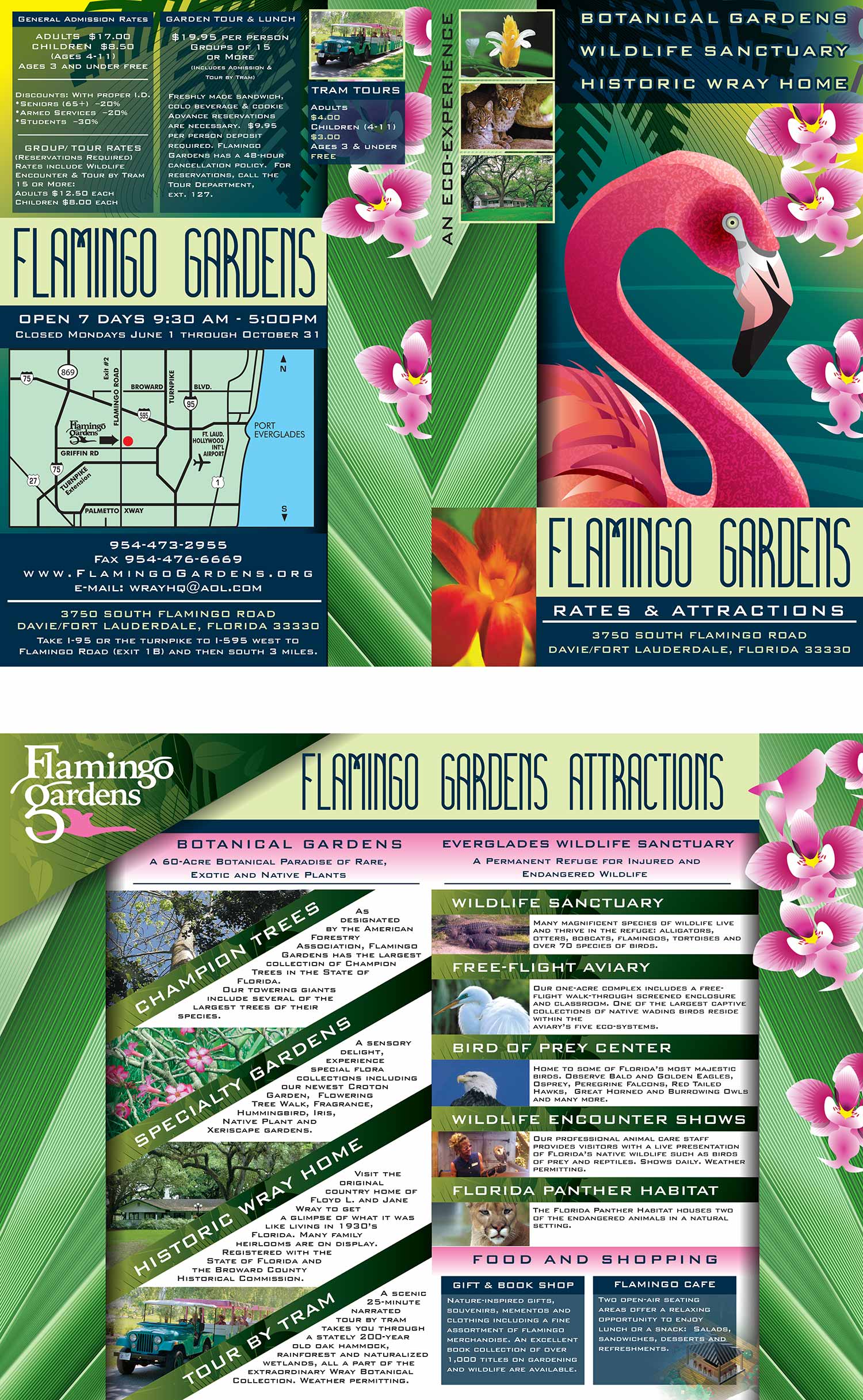
What is InDesign?
InDesign is Adobe's desktop publishing software. It is the successor to their older program, PageMaker, and a direct competitor to QuarkXPress. I have used all three over the years, and I agree with Adobe's claim that InDesign is the superior product.
Desktop publishing software is what you use to create professional layouts for print and digital media. It is the tool that combines text, images, and graphics into finished publications like books, magazines, brochures, and flyers. The graphics and illustrations themselves are usually made elsewhere, in programs like Photoshop or Illustrator. InDesign is where they all come together on the page, arranged with text, headers, page numbers, and everything else a publication needs. The emphasis is on meticulous control of typography and the precise placement of every element.
How I Use InDesign
I could technically use InDesign to do final layout of maps, but I generally prefer Illustrator for that kind of work, including for things like map keys. I usually do not reach for InDesign for a single page layout unless it is very text heavy. Desktop publishing software really shines when you are handling large volumes of text and need to control how it flows from page to page.
For example, the Transportation and Parking Map for the Fort Lauderdale International Boat Show includes a text intensive list with multiple columns. I chose to use InDesign for that page, but it was a close call. On the other hand, when I do page layout for entire boat show programs, InDesign is the obvious choice. That is exactly what the software was built for. It is also the file format that most printers expect when you hand off a multi page publication.
How This Can Help You
Someone who uses this software day in and day out is called a production artist. I have done that work earlier in my career, but I am not a full time production artist now. I use InDesign mostly as a tool to take other projects I am working on that final step to completion. But I do take on full scale page layout projects from time to time.
I keep my page layout skills sharp because it is a good asset to have. It means I can offer concept to completion on projects that are multi page and text intensive. If your publication needs more than just a cover, I can handle the inside too.
Your InDesign Project
If you have a project that requires InDesign skills, whether it is a brochure, a catalog, a program, or any other multi page publication, contact me. I have the tools and the experience to deliver what you need.
WORK DONE IN ADOBE INDESIGN:


BOAT SHOW PROGRAMS USING ADOBE INDESIGN:
PORTFOLIOS
- Illustration Portfolio: Start here for custom illustration and book covers. You can also browse illustrated maps and architectural rendering.
- Fine Art: I offer original paintings and drawings, including my Custom Halftone Series. You will also find mural work here.
- Graphic Design & Motion: View my graphic design portfolio. After that, explore motion design and animated illustrations.
- Maps by application: I create illustrated maps for boat shows, resorts, marinas, real estate, transportation, transit and parking, towns and cities, parks, and wayfinding.
- Additional project types: I also produce cover illustration, vehicle and vinyl wraps, proposal renderings, and street art.
- Illustration methods: My techniques include vector, isometric and axonometric, painting, black and white, GeoData maps, overhead maps, and custom halftones.
- Software portfolios: I work primarily in Adobe Photoshop, Adobe Illustrator, SketchUp Pro, and Adobe InDesign. For motion projects, I use Premiere Pro and After Effects.