
Figure Illustration For A Product
Art Direction: Gil Lopez - City Streetz Graphics
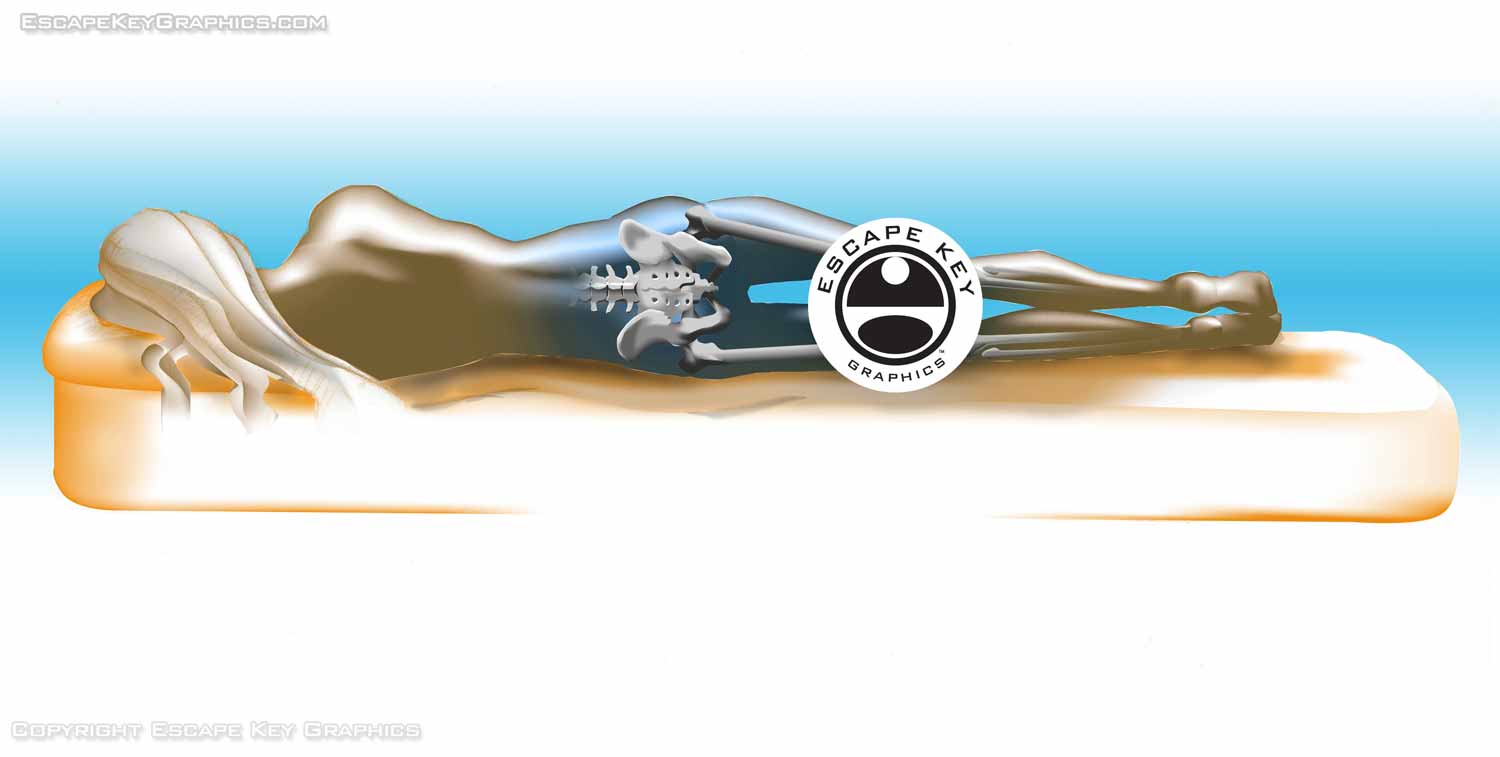
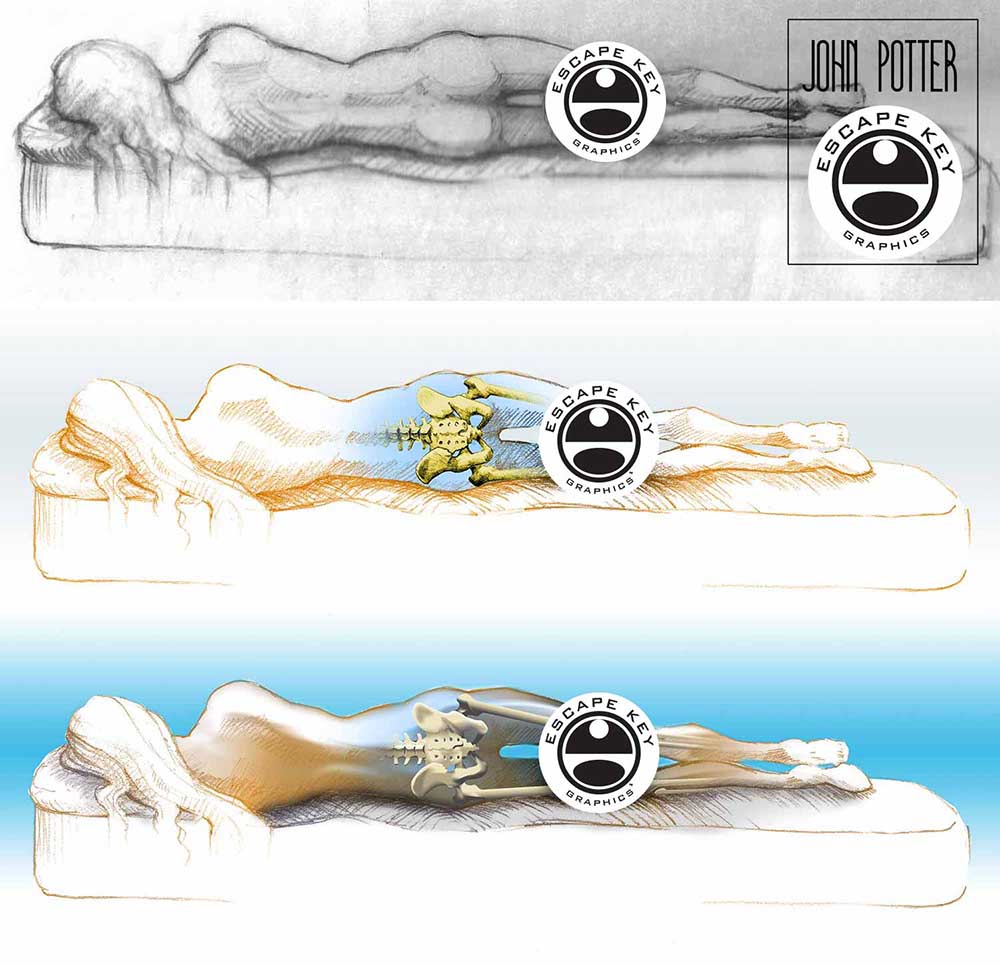
This illustration is to show how use of a product can lead to proper spinal alignment. A photograph was provided as a guideline for proportions of the figure which are exaggerated. My initial vision for this project was something very classical and kind of Leonardo da Vinci looking. When the client saw this approach they immediately said it looked too analogue and it was clear they wanted a more computer generated look. My initial reaction was to try to make a hybrid that accomplished both goals, but as revisions came in I slowly converted the illustration to an almost entirely digital image. I used many of the same techniques I learned and developed illustrating bandages for ASO Corporation a while ago. The final file was a Photoshop file for easy color adjustments, but most of the actual digital illustration was vector based in Adobe Illustrator. By using Vector Masks and Smart Objects in Photoshop the illustration could be enlarged within Photoshop without loosing resolution on most layers.
Thanks to Gil Lopez for keeping me on track and illustrating.
If you have a need for illustrations similar to this please contact me.
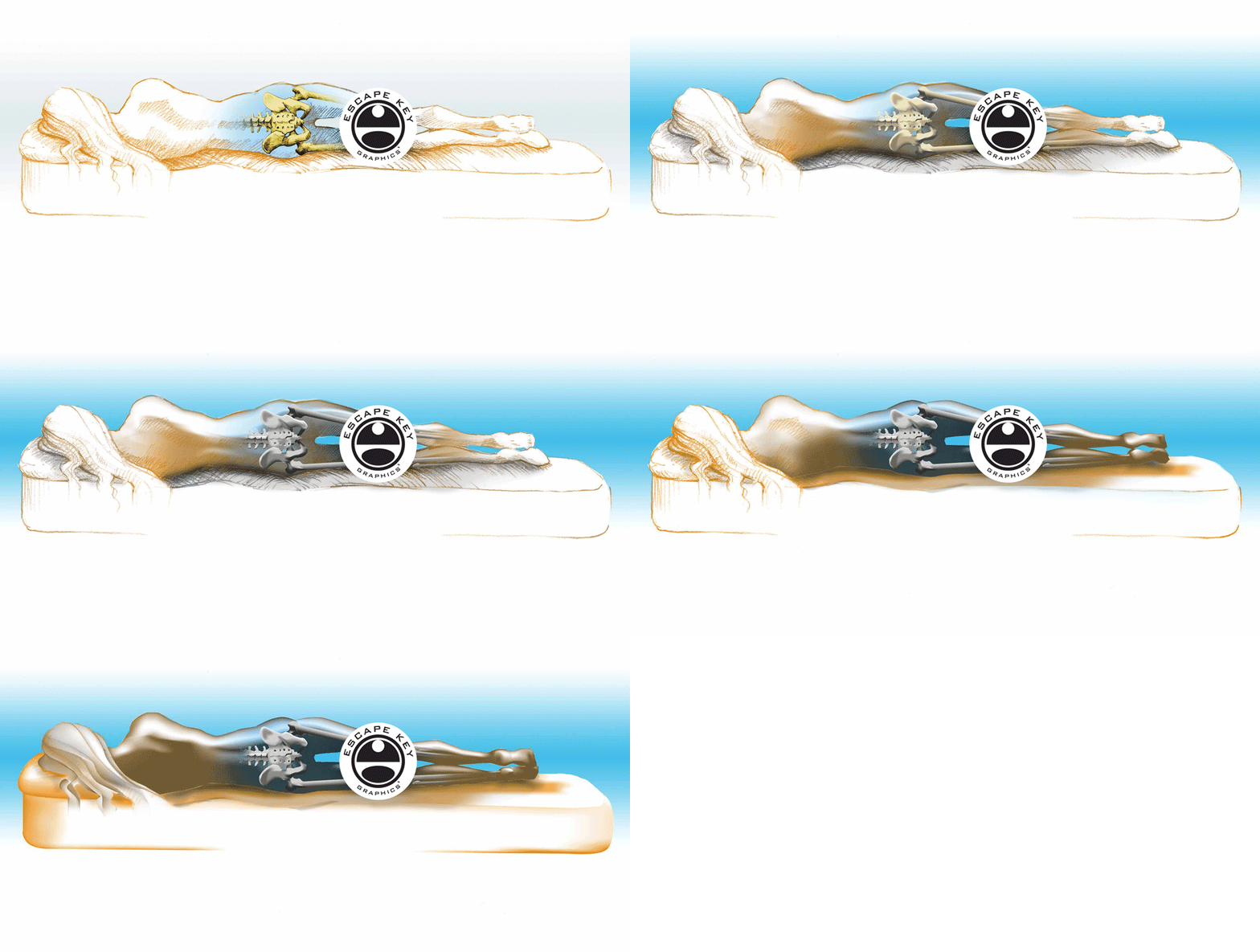
(Created using Adobe Illustrator)


WHAT DOES VECTOR ILLUSTRATION MEAN?:
Vector illustration refers to artwork created using vector graphics, a computer-based method that defines images through shapes rather than pixels. Each shape is constructed from points along its edges, known as Bézier points, which control direction, curvature, and other attributes. Unlike pixel based images, vector graphics can be scaled to any size without losing resolution, making them ideal for applications where clarity and flexibility are essential. They are also efficient in file size, since a single shape can be defined with just a few points rather than thousands of individual pixels.
While vector graphics provide the technical framework, the style of the artwork is entirely up to the illustrator. In my work, I often use vibrant, tropical-inspired color palettes, bold shapes, and perspectives influenced by Art Deco and Italian Futurism. These stylistic choices create images that are dynamic, eye-catching, and highly adaptable for both commercial and artistic purposes. Unlike photo-realistic images, vector illustrations can be playful, stylized, or even cartoon-like, making them ideal for maps, signage, logos, and other applications where clarity and visual impact are critical.
By combining the technical advantages of vector graphics with a carefully considered artistic approach, my illustrations provide both precision and personality. Whether used for printed materials, digital media, or large scale installations, vector based artwork offers versatility, scalability, and a distinct, memorable look that engages viewers and supports your visual goals.
To learn more about vector graphics see my post... "What are Bitmap and Vector Graphics"
Vector based art created with Adobe Illustrator can be animated using Adobe After Effects to create motion graphics. To learn more see my After Effects and Premiere Pro Portfolio.
BROWSE MY WORK
- Illustration: Browse custom illustrations, book cover art, illustrated maps, and architectural renderings.
- Fine art: View original paintings and drawings, the Custom Halftone Series, and mural commissions.
- Graphic design & motion: See design projects, then watch motion reels and animated pieces.
- Maps by use case: Explore illustrated maps created for boat shows, resorts, marinas, real estate, transportation & parking, cities & towns, parks, and wayfinding.
- Specialty projects: Also check out cover design, vinyl & vehicle wraps, proposal renderings, and street art.
- Style & technique: Discover vector, isometric, painterly, monochrome, data-driven, bird's-eye, and halftone approaches.
- Tools I use: Everyday software includes Photoshop, Illustrator, SketchUp, and InDesign; motion work relies on Premiere & After Effects.
