
AI Portfolio: Artwork Using Artificial Intelligence
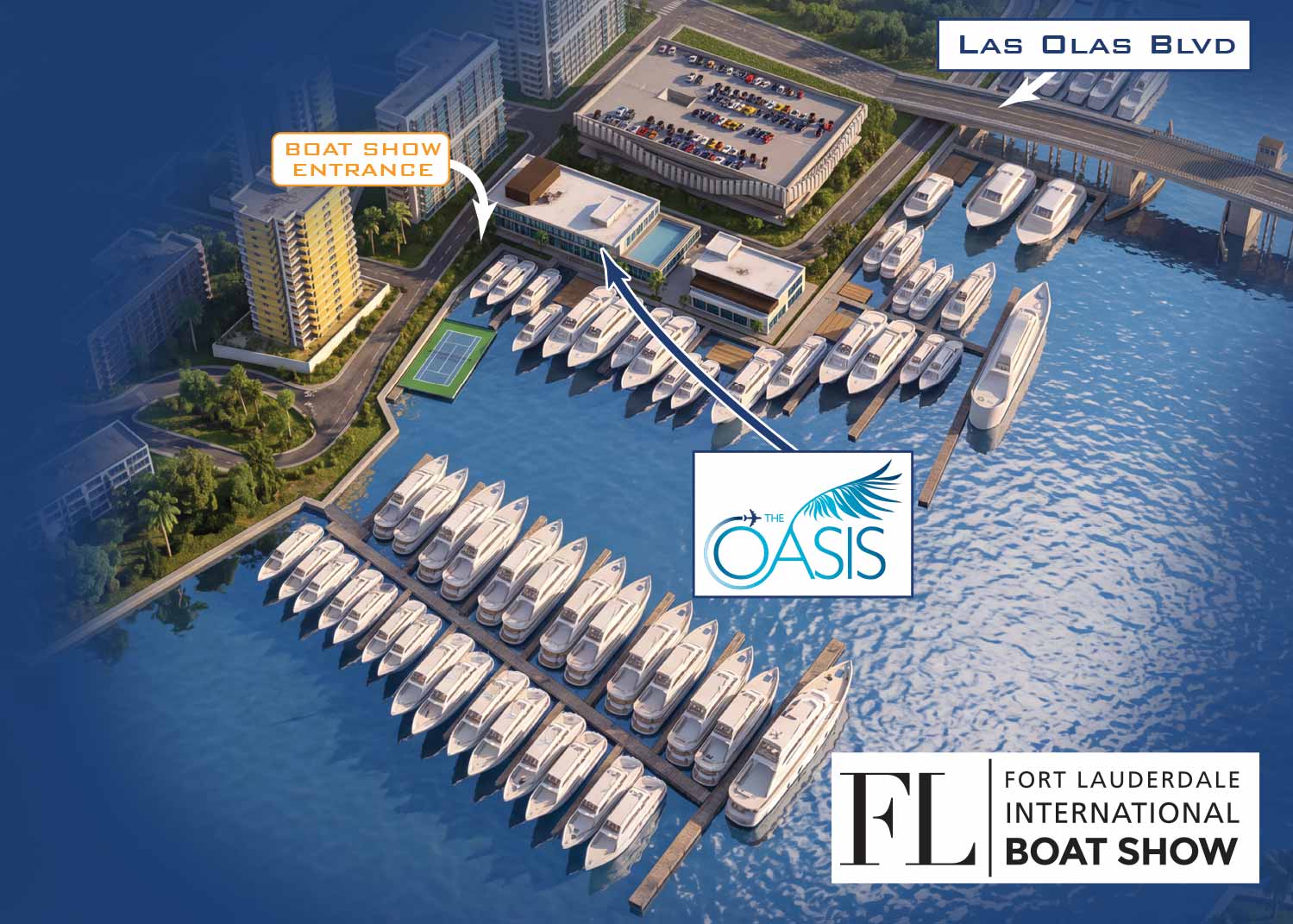 This map was rendered with AI from a finished 3D model serving as a substitute for a rendering engine.
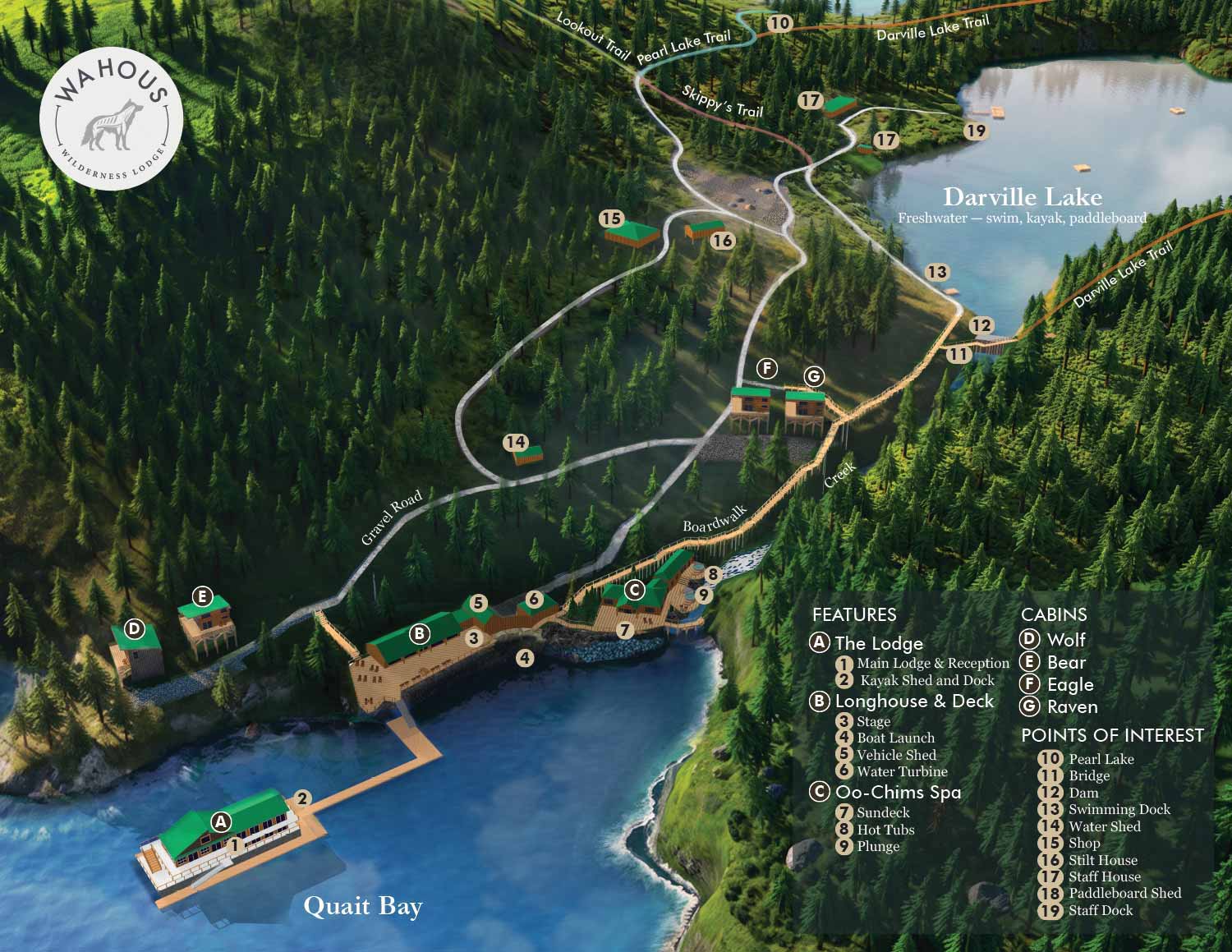 This map utilized AI from a finished 3D model serving as a substitute for a rendering engine. It also had editing like adding trees using AI in selected areas only. Not everything you see is AI in this example.
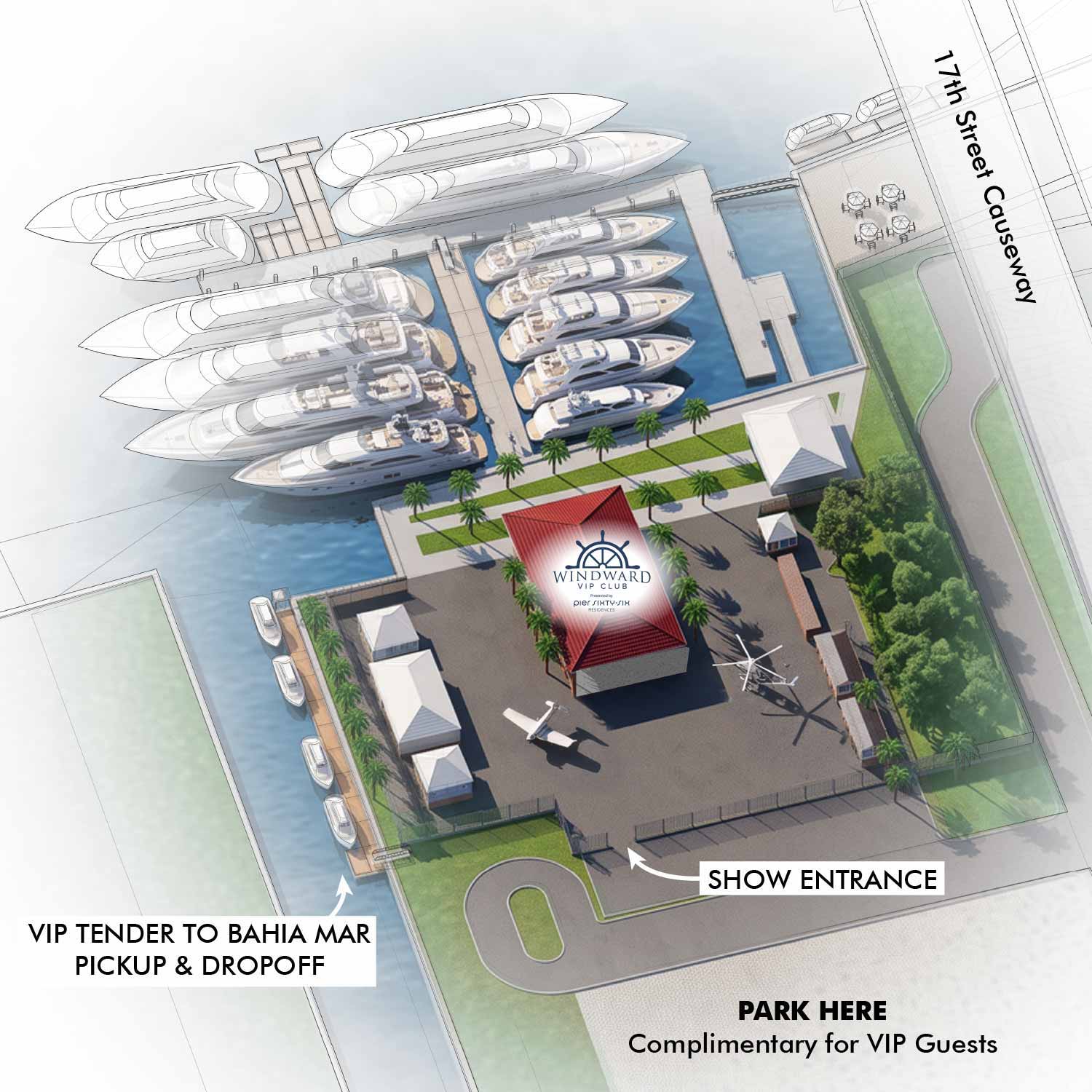 This map was rendered with AI from a finished 3D model serving as a substitute for a rendering engine.
AI in My Workflow
My goal on every commercial project is simple: deliver the best product I can for my client. If AI is a useful tool for getting there, I'll use it. What I won't do is hand over creative control to an AI engine, and so far, that hasn't been a concern. A client with standards low enough to accept whatever AI spits out isn't likely to hire a professional illustrator in the first place.
I've been integrating AI into my workflows more and more, but my role hasn't changed. I'm not a "prompt artist." I use AI to support work I've already taken to a near-finished—or fully finished—state.
To be clear: I'm not ruling out working as a prompt artist someday. It's just not where my focus is.
How I'm Using AI Right Now
As a rendering engine substitute.
Once a digital 3D model is complete, I'd traditionally use Kerkythea or V-Ray to render it realistically. Increasingly, I'm using AI instead, and it often adds textures and details a conventional render engine wouldn't. The larger the area and/or the more intricate the details the more likely the AI will make mistakes and "hallucinate". This technique can also be problematic in situations where anything more than minimal revisions are expected.
For supplemental edits.
Trees are the perfect example. In a 3D model, trees add geometry and slow a computer to a crawl. I'll place a few, then use AI to fill in the rest of the forest, giving me the look I want without crashing my computer. The same approach works for making water look more natural. It can be challenging to get several areas of one image to fit together visually. This methods takes lots of color and lighting adjustments and lots of trial and error with the AI.
To bring rough sketches closer to finished art.
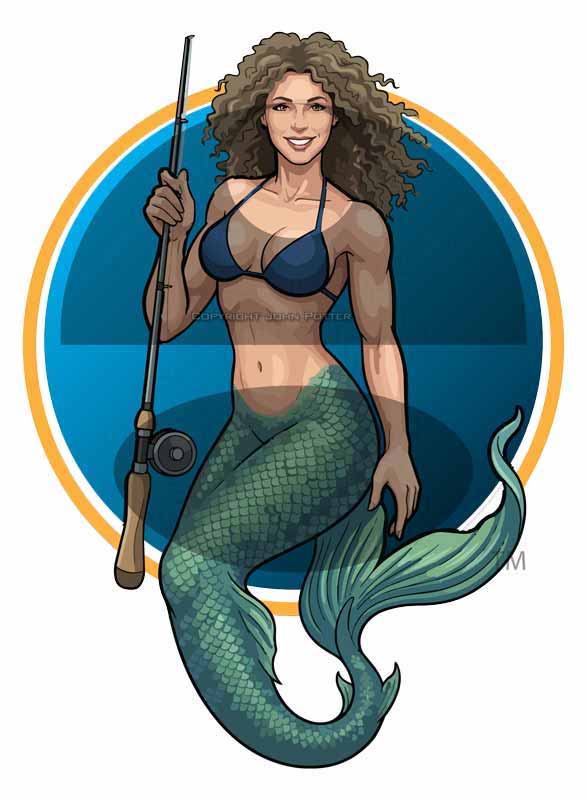
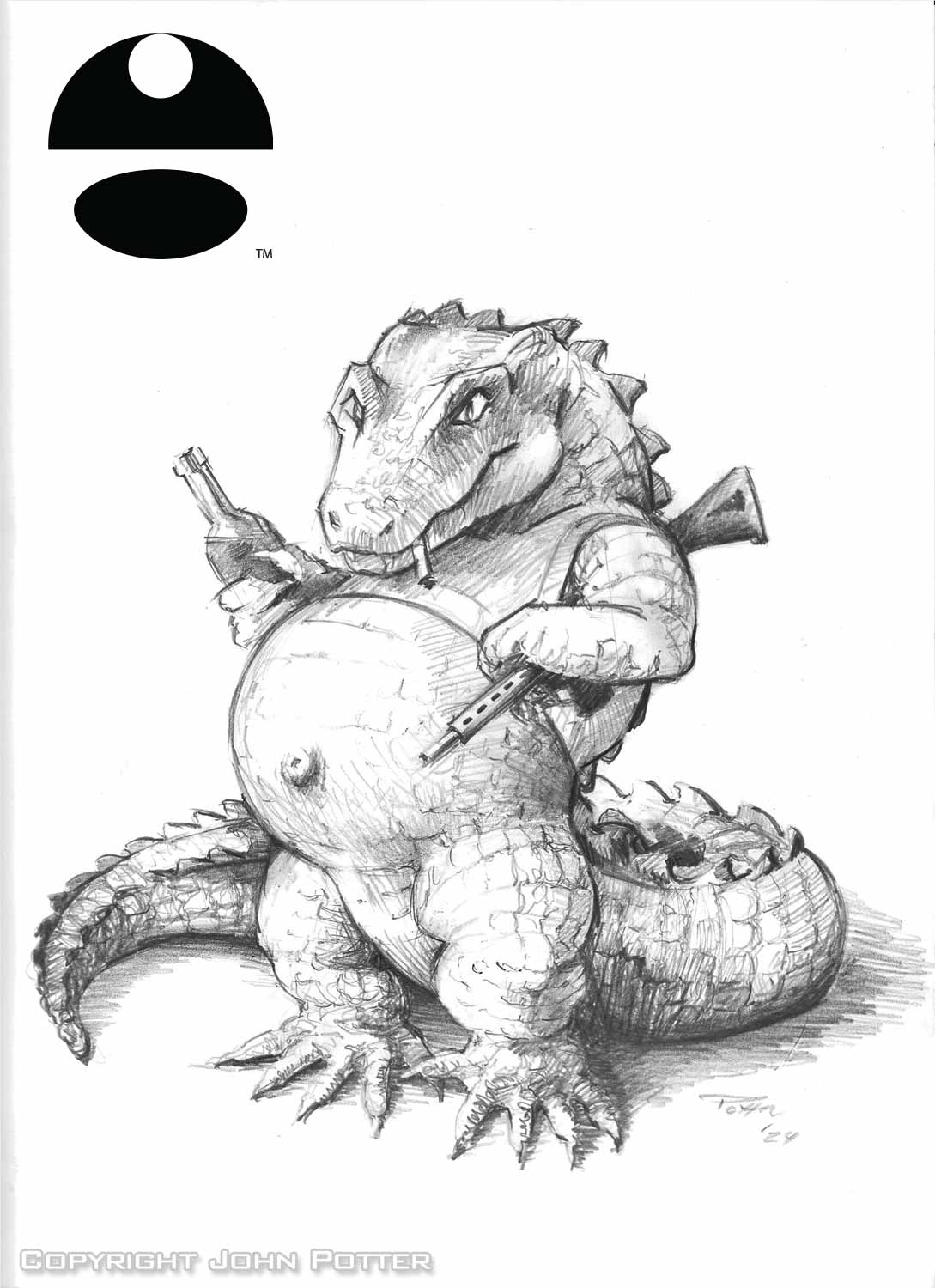
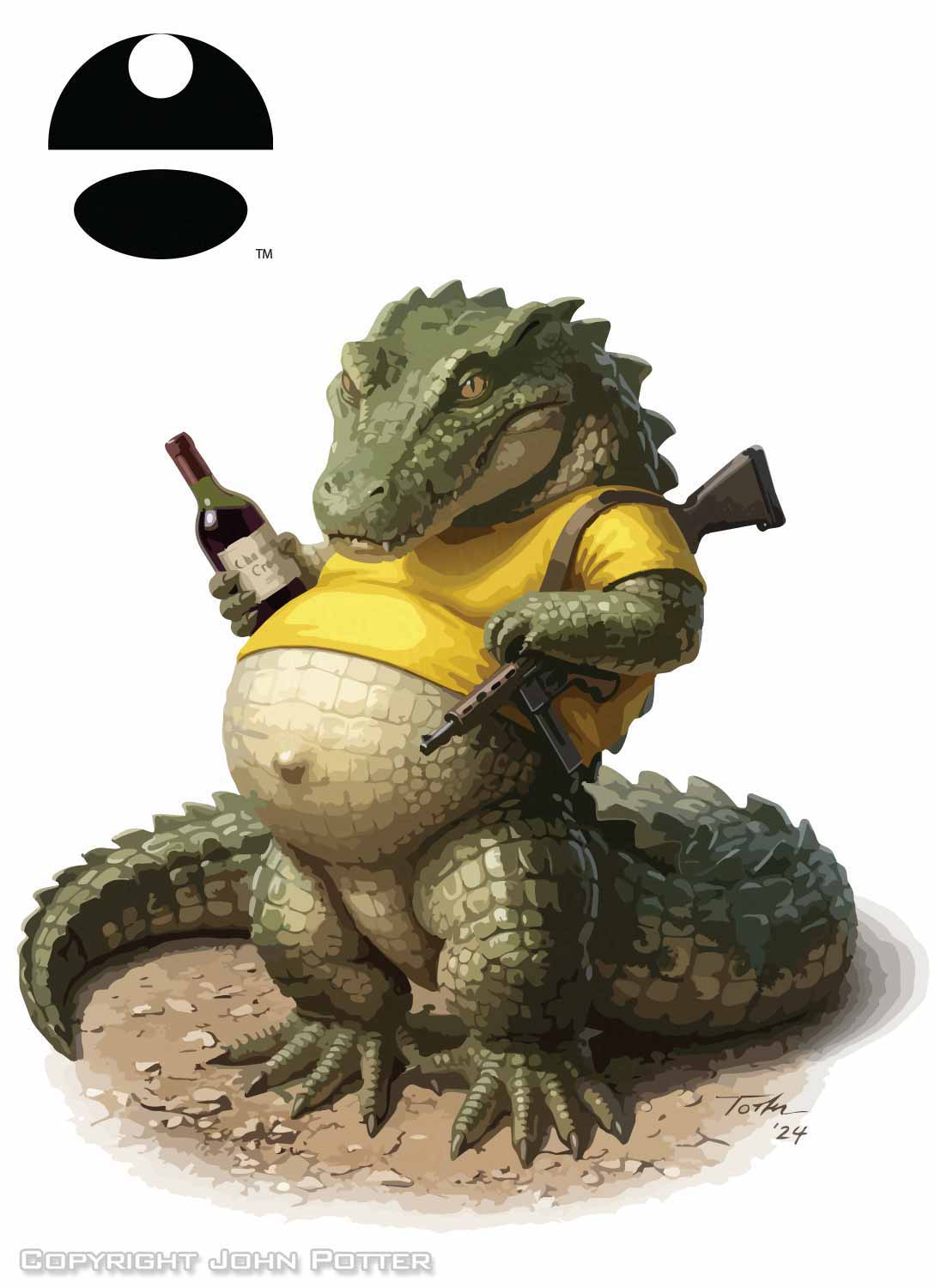
This one is still experimental, and I use it carefully. A rough sketch has a high chance of rejection, but investing hours to finish it isn't always practical. AI lets me elevate a concept enough for a client to visualize it, so I can explore more directions, faster, and give clients more options to choose from.
Here you see a version with and without enhancement.
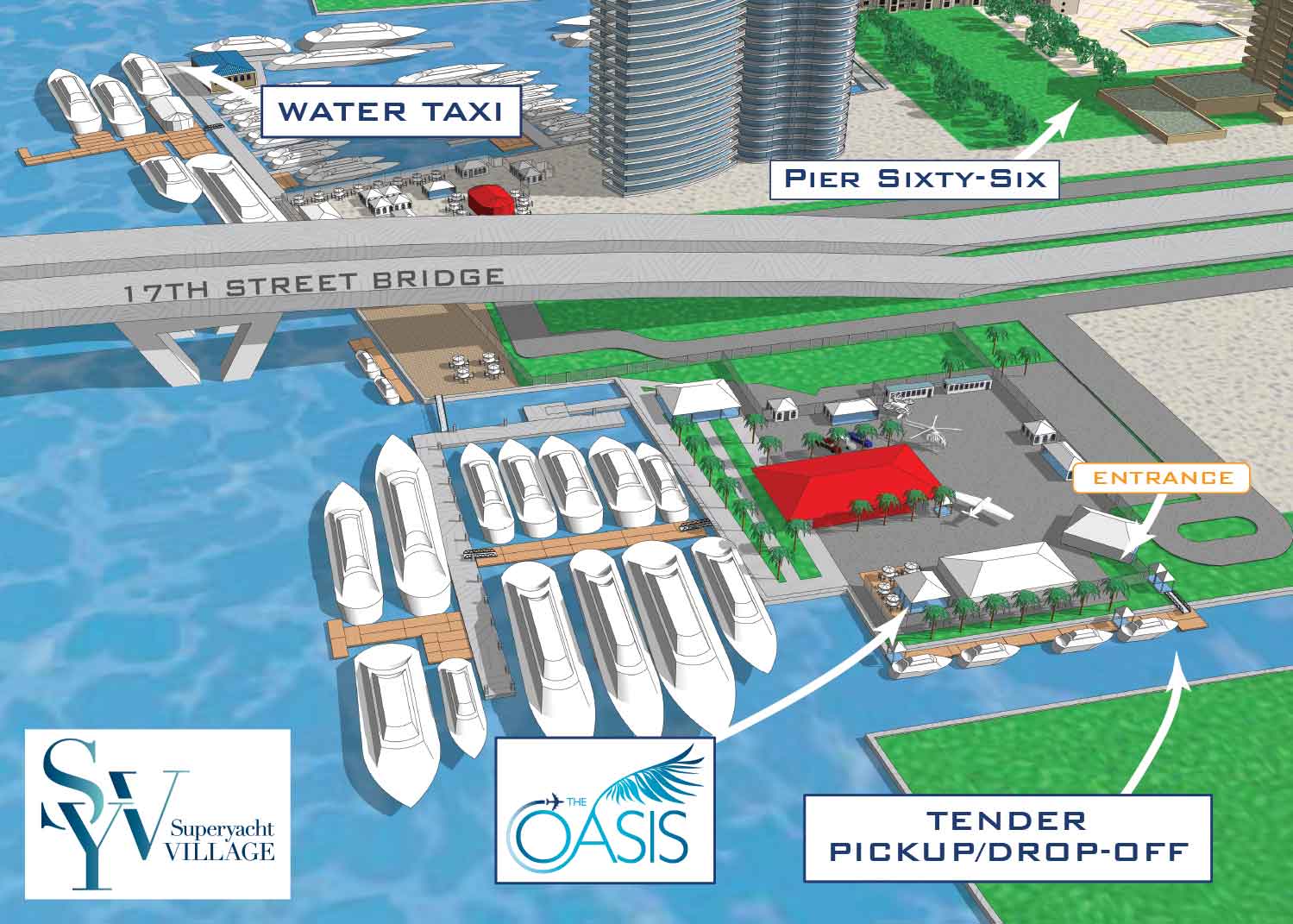
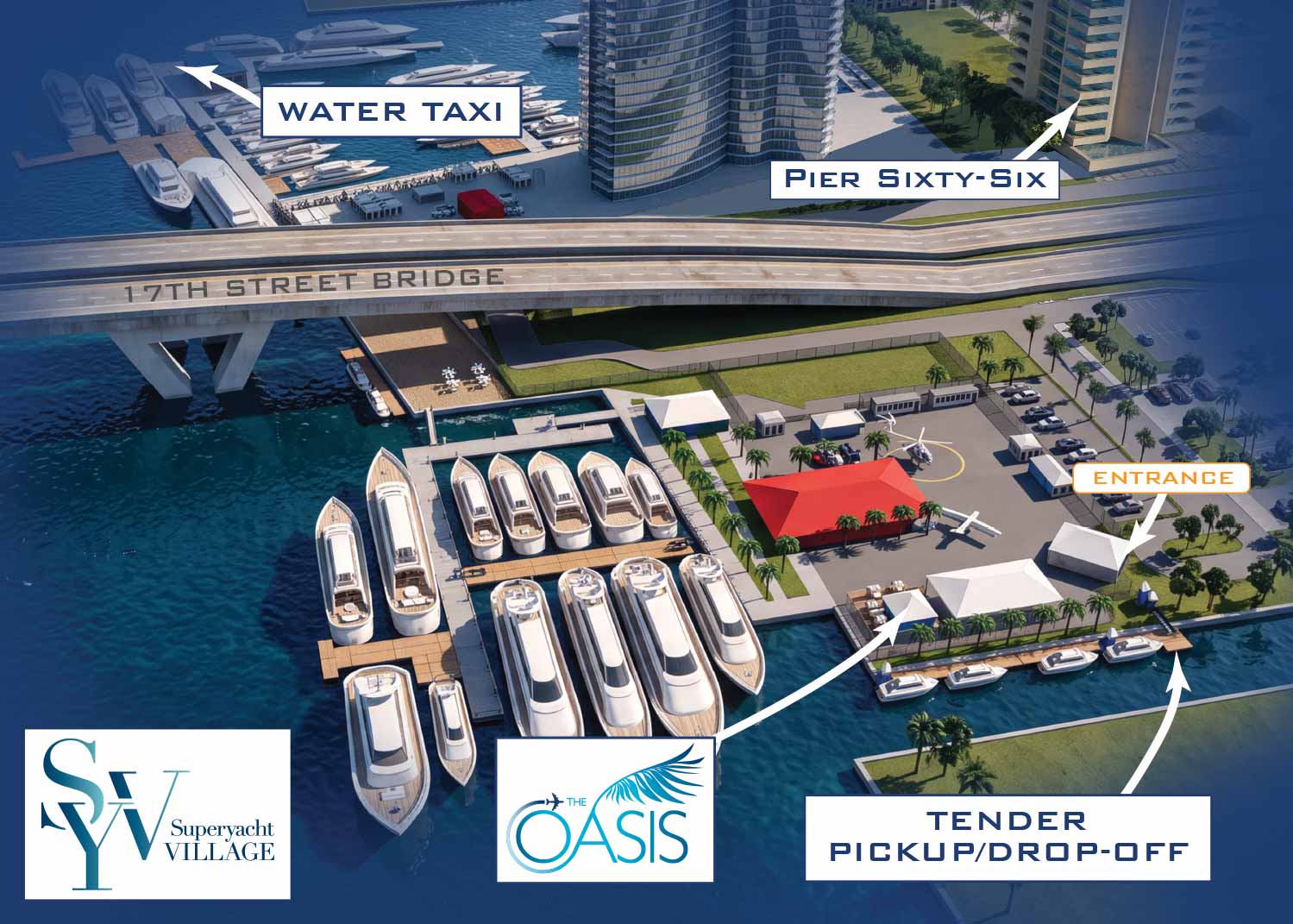
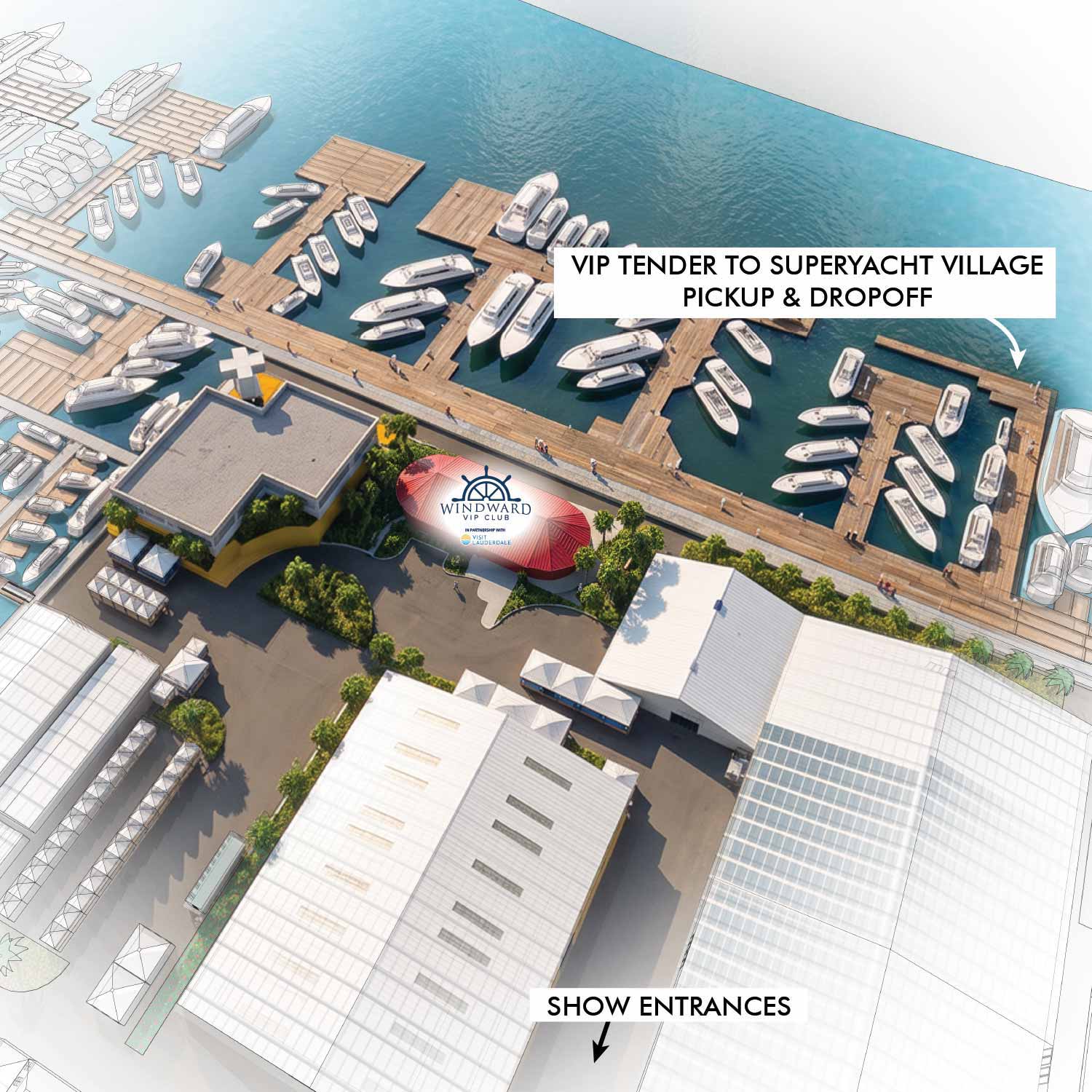 This map was rendered with AI from a finished 3D model serving as a substitute for a rendering engine.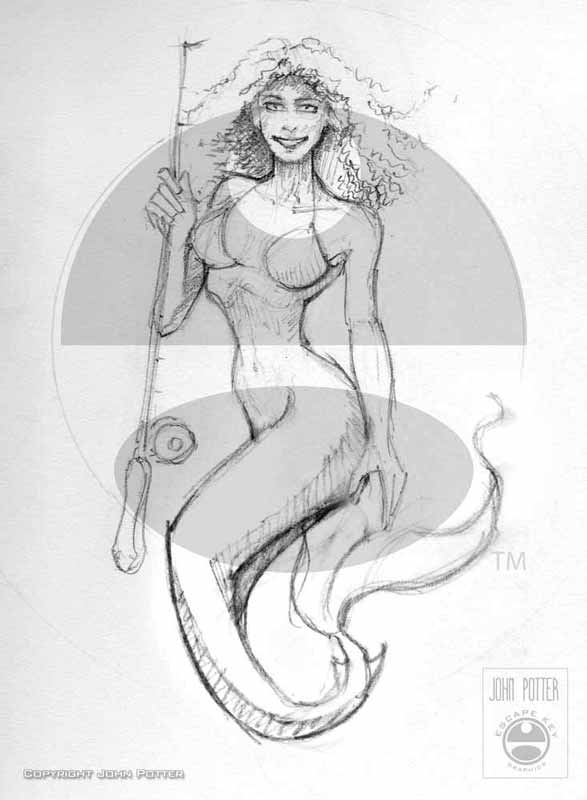
EXPLORE MY WORK
- Illustration: Discover custom illustrations, book covers, illustrated maps, and architectural renderings.
- Fine Art: Browse original paintings and drawings, view the Custom Halftone Series, or check out mural projects.
- Graphic Design & Motion: See the graphic design collection, then dive into motion design and animated illustrations.
- Maps by industry: View illustrated maps tailored for boat shows, resorts, marinas, real estate, transportation, towns, parks, and wayfinding.
- More project types: Explore cover art, vehicle wraps, proposal renderings, and street art.
- Techniques & styles: Work spans vector, isometric, painting, black-and-white, GeoData, overhead maps, and halftones.
- Software expertise: Primary tools include Photoshop, Illustrator, SketchUp Pro, and InDesign, plus Premiere Pro & After Effects for motion. I am also supplementing some projects with AI.