
Build Your Own Euro Style Queen Size Bed Frame
KING SIZE DIY EURO STYLE BED DESIGN | QUEEN SIZE DIY EURO STYLE BED DESIGNClick on the image below to rotate and zoom
Click on the image above to rotate and zoom
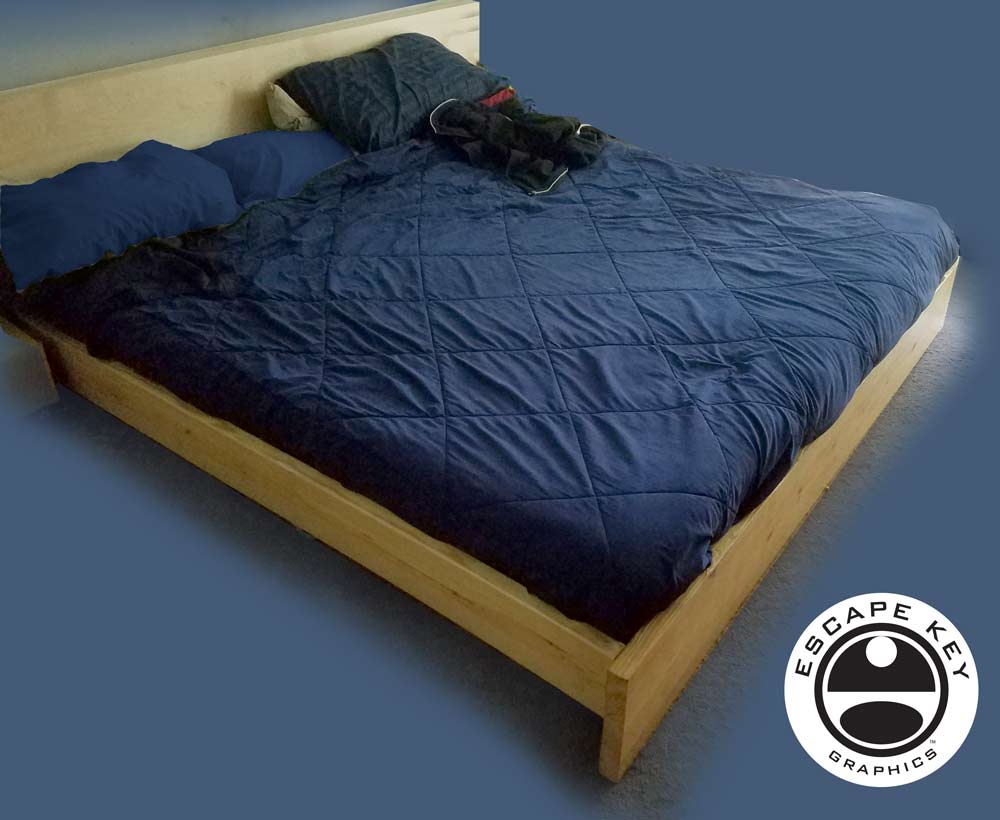
Queen Size Bed Frame -
MATERIALS:
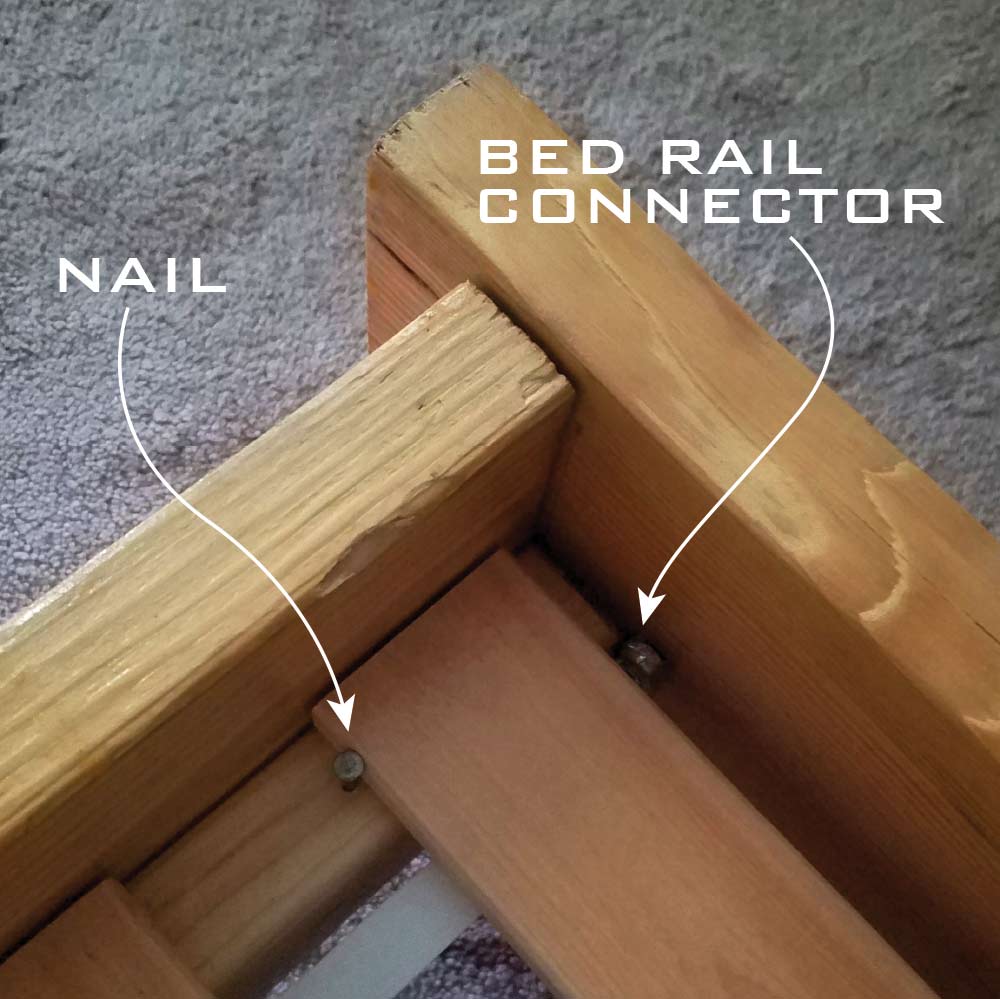
8 Bed Rail Connectors
2 Boards 5'7 1/4"x1'x2" - Foot & Headlet
2 Boards 6'8"x7"x2" - Sides
4 Boards 6'8"x4"x2" - Inside Sides & Middle
Slats 2 sets 30"x79 1/2" long
Wood Screws
4 large nails (to hold slats in position)
Mattress 60"x79 1/2"
OPTIONAL HEADBOARD:
Nuts, 5" bolts and washers
Board 5'7 1/4" x whatever height you want
TOOLS:
- Saw
- Drill and necessary drill bits
- Screw driver
- Hammer
I SUGGEST
- Bed Rail Connectors from Constantine's Wood Center
- LURÖY Bed Slats from IKEA
- MORGEDAL Queen Mattress from IKEA
or - LUCID 5 Inch Gel Memory Foam Mattressor from Amazon
- Everything else can be found at Home Depot
This model is available for free download from 3D Warehouse.
This page is mostly a pretense to exhibit my Sketchup 3D model making abilities and spark the imagination of clients and potential clients as to how to use those models. If you are interested in having similar content created please contact me.


WHAT IS SKETCHUP?:
SketchUp, originally developed by Google and now maintained by Trimble Inc., is a powerful 3D modeling program widely used across architecture, interior design, marine architecture, civil and mechanical engineering, and even film and video game production. While it is not intended for character design or organic modeling, SketchUp excels at creating precise, technical models using basic shapes, making it ideal for architectural renderings, site planning, and technical illustrations.
I first began using SketchUp in 2012 while creating the illustrated map for the St. Petersburg Power and Sailboat Show. At the time, I was seeking an efficient alternative to isometric drawing for map illustration. Since then, I have expanded its use across a variety of projects and now rely on SketchUp almost daily to create accurate, visually compelling 3D models for maps, buildings, and other technical illustrations.
SketchUp allows me to combine technical precision with artistic flexibility. Models created in SketchUp can be used as the foundation for detailed illustrations, integrated with Adobe Illustrator or Photoshop, or exported for presentation and visualization purposes. Its versatility makes it a valuable tool for projects that require accurate spatial representation, clear perspective, and a professional, polished look.
If you are interested in having a custom model or illustration created in SketchUp, please contact me for a quote. I can provide solutions for everything from complex architectural layouts to 3D maps and technical renderings tailored to your specific project needs.
PORTFOLIOS
- Illustration Portfolio: Start here for custom illustration and book covers. You can also browse illustrated maps and architectural rendering.
- Fine Art: I offer original paintings and drawings, including my Custom Halftone Series. You will also find mural work here.
- Graphic Design & Motion: View my graphic design portfolio. After that, explore motion design and animated illustrations.
- Maps by application: I create illustrated maps for boat shows, resorts, marinas, real estate, transportation, transit and parking, towns and cities, parks, and wayfinding.
- Additional project types: I also produce cover illustration, vehicle and vinyl wraps, proposal renderings, and street art.
- Illustration methods: My techniques include vector, isometric and axonometric, painting, black and white, GeoData maps, overhead maps, and custom halftones.
- Software portfolios: I work primarily in Adobe Photoshop, Adobe Illustrator, SketchUp Pro, and Adobe InDesign. For motion projects, I use Premiere Pro and After Effects.