
Why big-area maps don't need high-end rendering
John Potter - Artist, Illustrator, Designer
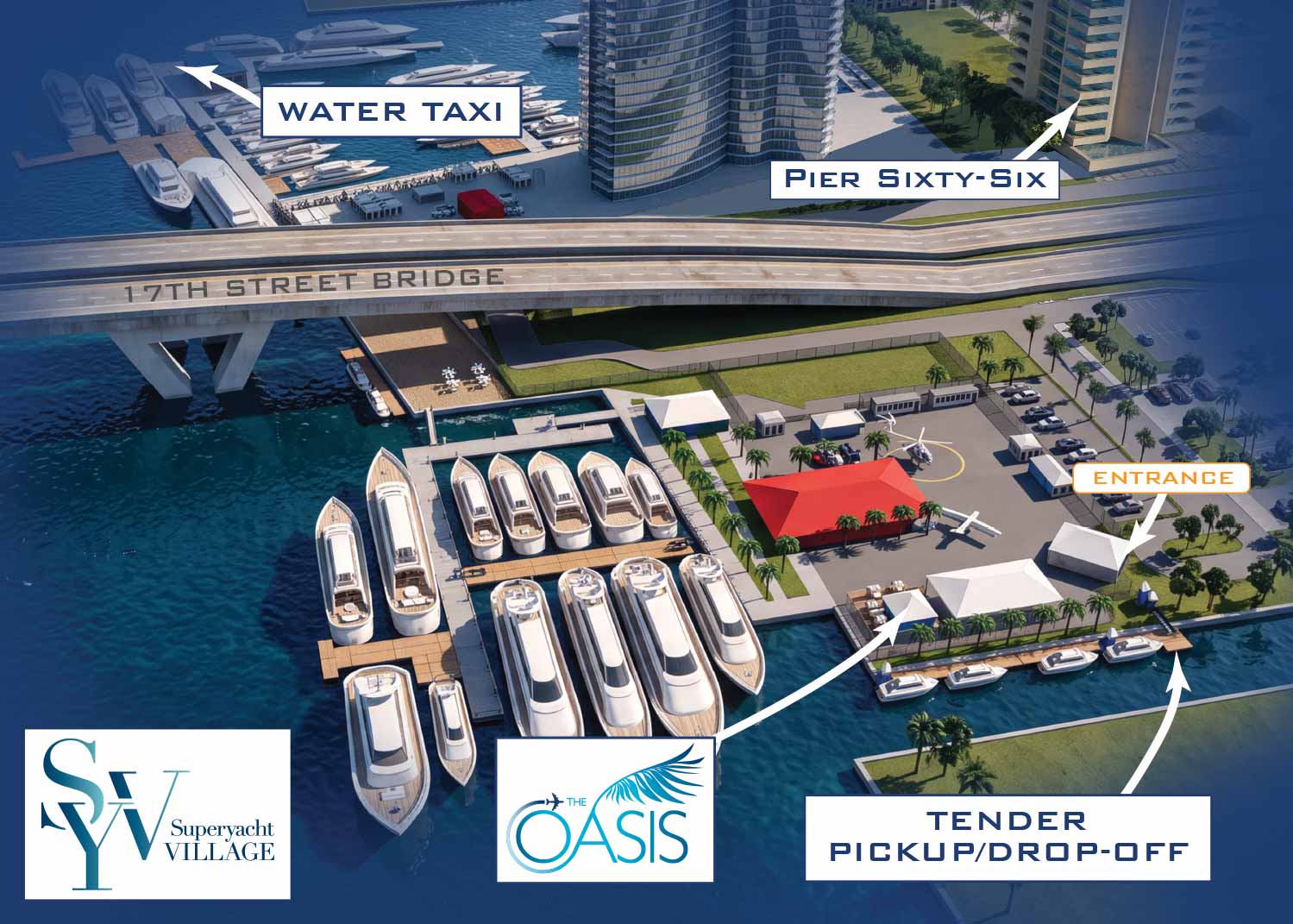
The area a map covers has a huge impact on the entire approach. It affects not only how much detail is involved but the whole production process. The counterintuitive part is this: a large-area map can be more detailed in one sense and less detailed in another, and getting the scale wrong doesn't just make a map less attractive… it can make it unworkable.
The two-towns problem
A potential client a few years ago illustrates this clearly. They wanted a map covering an area roughly fifty miles square, with two small towns inside it and small businesses dotted throughout. The goal was to represent many of those businesses with small logos on the map. On the road between towns A and B there were about twenty businesses at various distances; roughly twelve were technically in town A by proximity and the rest in town B. The map was to be printed at 11×8.5 inches, and since it included area around both towns, you can assume the distance between them was maybe 9 inches on the page. At half an inch wide, twenty logos take up 10 inches. You can shrink them further, but the bigger problem remained: there was no way to place those logos so that they fit along the road and twelve sat closer to one end than the other.
The problem might have been solved with a map key using letters or numbers, or with a list and lines and arrows pointing to locations, but that would probably have gotten prohibitively messy. This was trying to put two tons of fertilizer in a one-ton truck. An artist can warp perspective some, but at some point the inaccuracy makes the image not a viable map. If it had been a one-time piece I might have rendered it from a perspective that put the crowded area in the foreground, but the client specifically wanted the map to be updateable. They eventually had to drop the concept.

What "detail" means at different scales
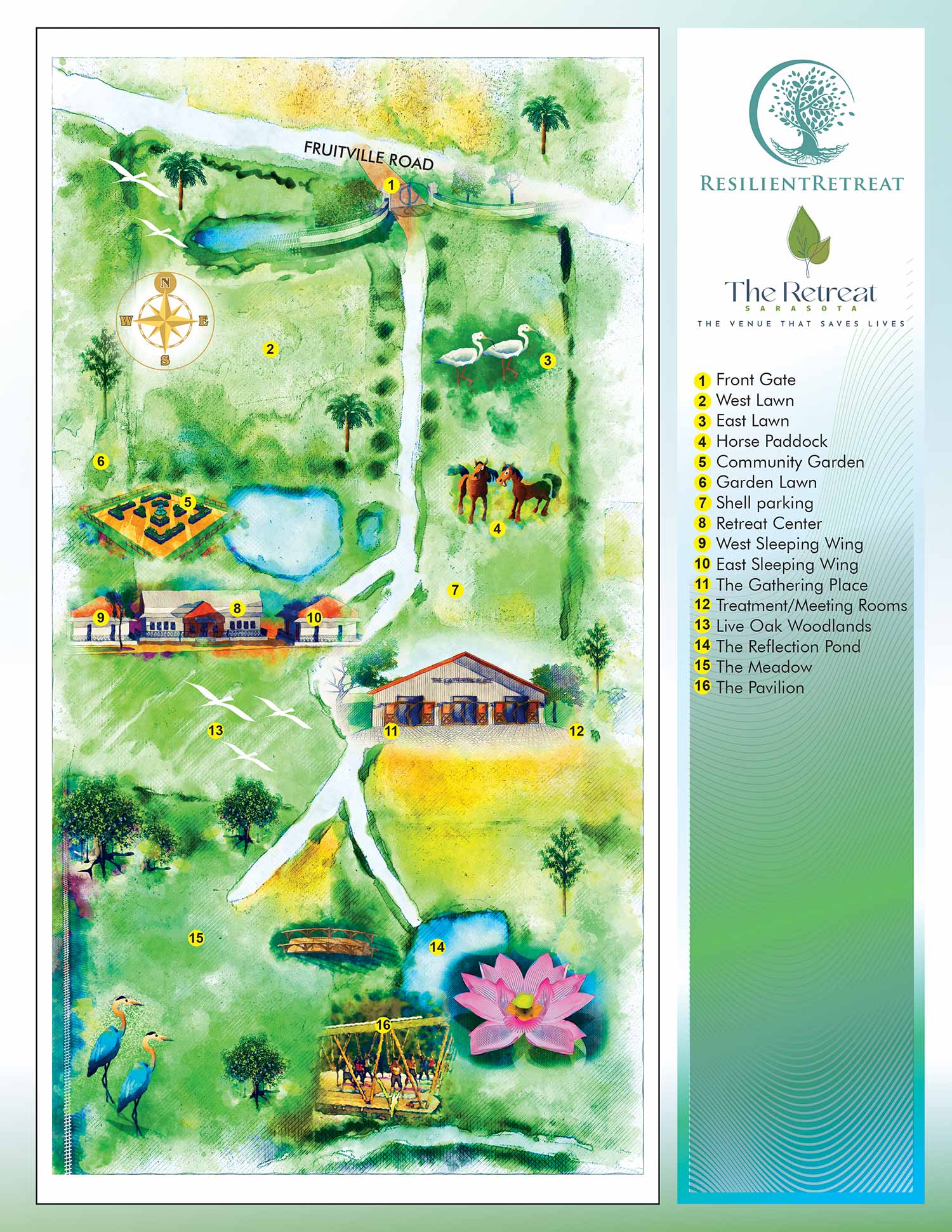
I've had a few clients find this counterintuitive, and I think the stumbling point is the definition of detail. If detail means more going on visually in the whole image, then a larger-area map can be described as more detailed. If detail means how much visual information about any one place is shown, then a larger map has less detail.
In practice: the larger the area a map covers, the less detail I put into buildings. Molding around windows can't be seen on a map that covers a city block, so I leave it out. If I'm rendering just a few buildings clustered in a small area, I spend more time on window panes, door moldings, balconies, railings, and fences. On a small-area map those things really add to the look and feel, but on a large-area map the buildings themselves are the details.
Why artistic license is risky on updateable maps
I occasionally get a client with, frankly, no sense of scale — it doesn't happen often, but it does. Showing something like a park bench in a specific color on a map covering a couple of city blocks is unrealistic. I can use unrealistic scale, and artistic license can be used to great effect, but I generally avoid it, and the reason is practical: clients want to add to or alter their maps, either during creation or later. If the map is built to scale, revisions easily reflect reality. If it's built on lots of artistic license, then when reality changes you have to adjust the licensed version of reality to accommodate it, and that commonly means starting over.
Why big-area maps don't need high-end rendering
This is the part that connects to how I work. Rendering engines offer more advanced textures and lighting, and on a small-area map that subtlety can pay off. On a large-area map it mostly doesn't, because at the size the map is actually viewed and printed, those differences fall below what a reader can perceive. The buildings are the details, not the window moldings. That's why I use rendering engines very selectively — and why a large-area map rarely justifies the hardware demands and revision friction they bring.
The real constraint with large-area maps isn't how much you can draw. It's how much a reader can actually resolve at the printed size, and that constraint shapes everything from detail level to labeling to whether the concept works at all.
Also of interest:
- About Me
- General FAQ
- Maps FAQ
- References / Partial client list
- CV: Curriculum Vitae
- Resume
- Revisions
- Map Angles and Scales Explained
- When Computers Took Over - and Then When AI Started To
- History of My Map Workflow
- Large-Area Maps vs. Small-Area Maps
- So You Got Stuck With the Map Project. Let's Make This Easy.
- What I Actually Charge For
EXPLORE MY WORK
- Illustration: Discover custom illustrations, book covers, illustrated maps, and architectural renderings.
- Fine Art: Browse original paintings and drawings, view the Custom Halftone Series, or check out mural projects.
- Graphic Design & Motion: See the graphic design collection, then dive into motion design and animated illustrations.
- Maps by industry: View illustrated maps tailored for boat shows, resorts, marinas, real estate, transportation, towns, parks, and wayfinding.
- More project types: Explore cover art, vehicle wraps, proposal renderings, and street art.
- Techniques & styles: Work spans vector, isometric, painting, black-and-white, GeoData, overhead maps, and halftones.
- Software expertise: Primary tools include Photoshop, Illustrator, SketchUp Pro, and InDesign, plus Premiere Pro & After Effects for motion. I am also supplementing some projects with AI.