
Vector Illustrated Mermaid
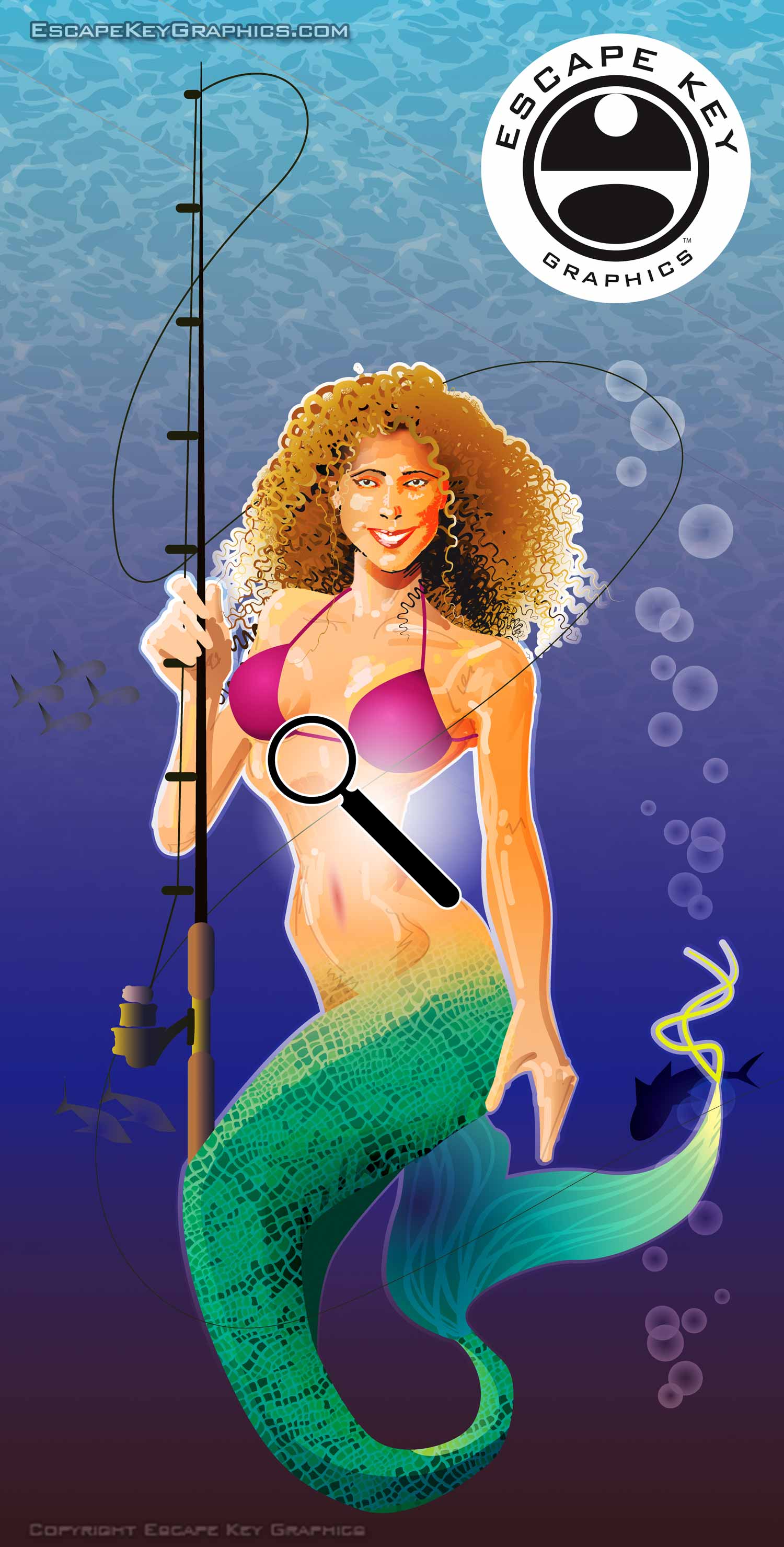
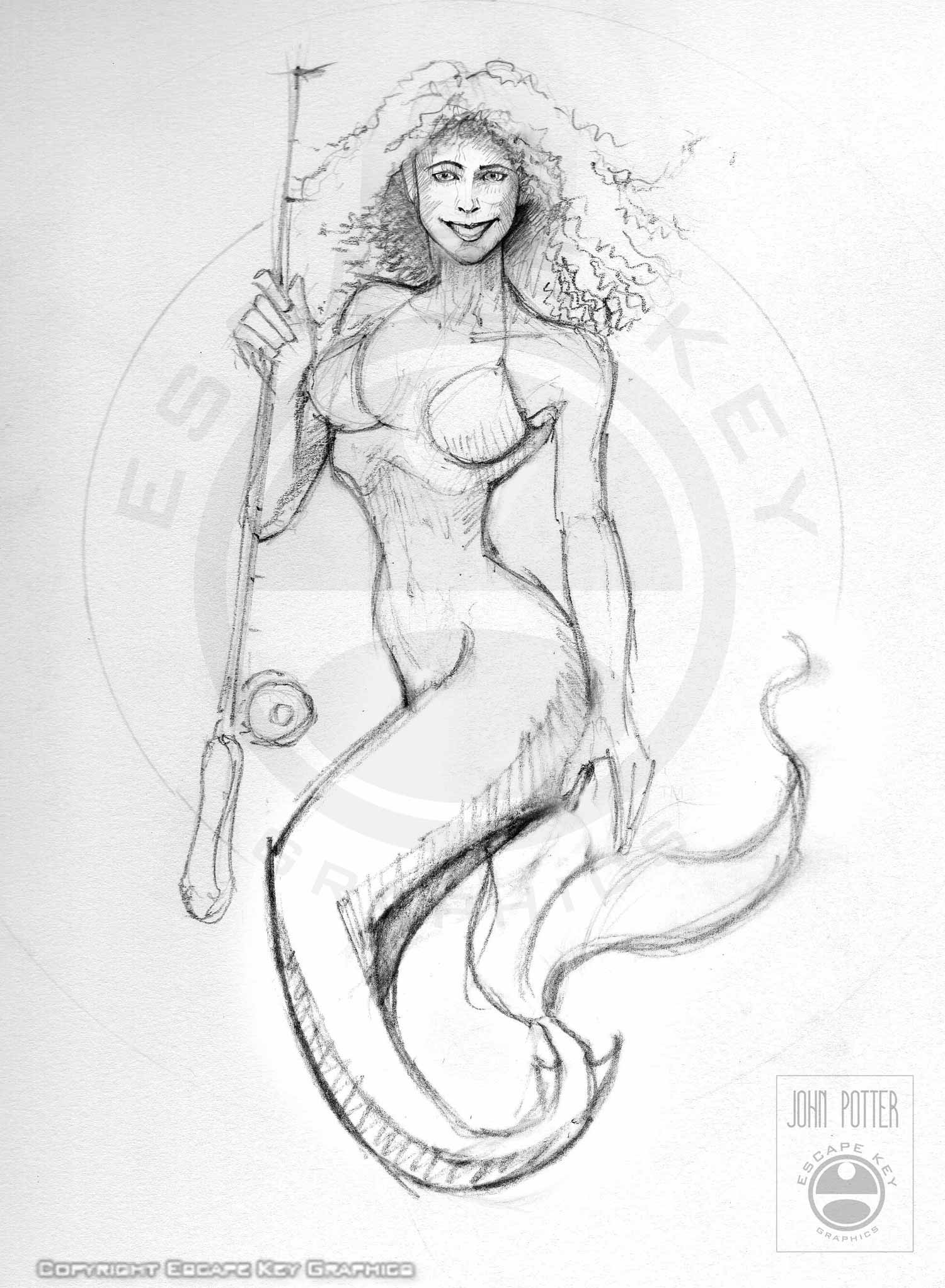
I did the sketch below as a proposal for a client. It was rejected (it was not applicable to their needs) but I really liked the sketch and wanted to carry it to some state of completion for my portfolio and as an exercise. I wanted to get a little of the feel of the works of 1970s illustrator Doug Johnson. I still may come back to this illustration later. I feel it still has more potential, but I think it's ready to show.
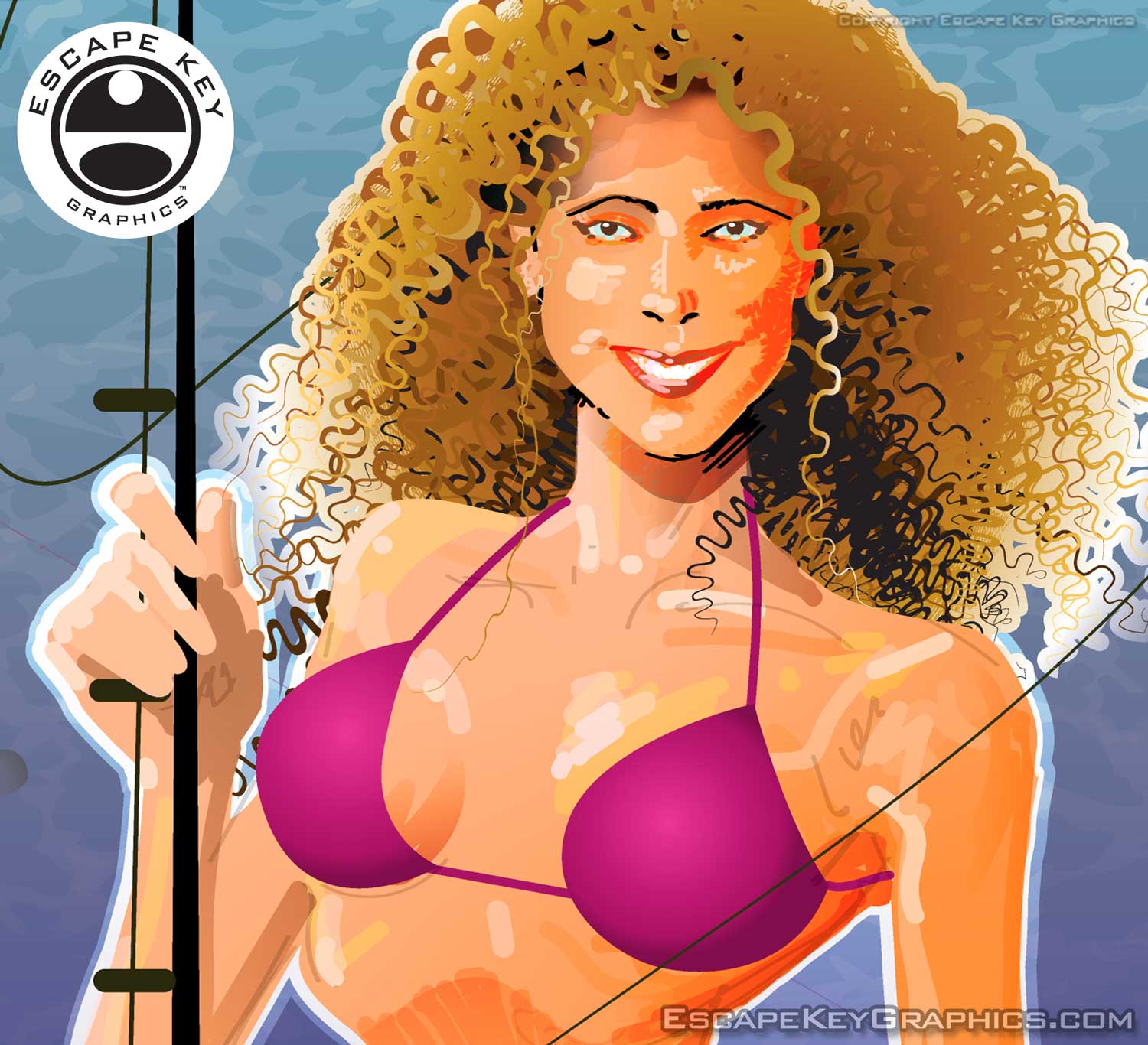
Contact me if you would like to have a vector illustration for your project.
WHAT IS ADOBE ILLUSTRATOR?:
Adobe Illustrator is the industry standard software for creating vector based illustrations. Unlike pixel-based images, vector graphics are defined by shapes and points along their edges, known as Bézier points, which control direction, curvature, and form. This allows vector images to be scaled to any size without losing resolution, making them ideal for precise, clean, and visually striking illustrations used in print, digital media, and large-format displays.
I have worked with a variety of vector illustration programs over the years, including Freehand and CorelDRAW, but Adobe Illustrator became my primary tool for both vector art and graphic design. Even when I create vector files in other programs such as SketchUp or Maperitive, they are typically imported into Illustrator for refinement and final output. I have been using Illustrator since around 1990, developing a workflow that combines technical accuracy with artistic expression.
Adobe Illustrator is particularly well suited for the bold, geometric styles I frequently work in, including Art Deco and Italian Futurism. Its vector-based format is ideal for creating flat fields of color, sharp lines, and axonometric illustrations, which are often used for architectural and technical renderings. The program's precision and flexibility allow me to create both highly stylized artistic works and functional maps or diagrams with exacting detail.
Vector artwork created in Illustrator can also be animated and integrated into motion graphics using Adobe After Effects, opening opportunities for dynamic presentations and video content. To explore examples of my motion work, see my After Effects and Premiere Pro Portfolio.


BROWSE MY WORK
- Illustration: Browse custom illustrations, book cover art, illustrated maps, and architectural renderings.
- Fine art: View original paintings and drawings, the Custom Halftone Series, and mural commissions.
- Graphic design & motion: See design projects, then watch motion reels and animated pieces.
- Maps by use case: Explore illustrated maps created for boat shows, resorts, marinas, real estate, transportation & parking, cities & towns, parks, and wayfinding.
- Specialty projects: Also check out cover design, vinyl & vehicle wraps, proposal renderings, and street art.
- Style & technique: Discover vector, isometric, painterly, monochrome, data-driven, bird's-eye, and halftone approaches.
- Tools I use: Everyday software includes Photoshop, Illustrator, SketchUp, and InDesign; motion work relies on Premiere & After Effects. Recently I have begun some work using AI as well.
